Как писать промпты для Seedance 2.5: официальный гайд на русском
Перевели официальный prompt guide ByteDance для Seedance 2.5: какие задачи фиксируют формат ролика, сколько референсов подавать, как размечать таймкоды и что писать при редактировании. Внутри — 12 рабочих промптов и примеры с видео.
Seedance 2.5 генерирует ролики до 30 секунд, принимает за один запрос до 50 референсов — картинок, видео и аудио — и умеет не только создавать видео с нуля, но и редактировать готовое: заменять героя, убирать музыку, продлевать сцену. Возможностей стало больше, но вместе с ними выросла и цена неточного промпта: модель по-разному ведёт себя в зависимости от того, что вы приложили и какими словами это описали. Мы перевели и адаптировали официальный prompt guide ByteDance — с таблицами лимитов, разбором режимов и примерами, которые можно копировать и запускать.
Что нового по сравнению с Seedance 2.0
Seedance 2.5 — не революция, а системная доводка модели под реальное производство. Ключевые изменения:
До 30 секунд одним запросом вместо коротких клипов — можно рассказать законченную историю.
До 50 референсов за раз: 30 изображений, 10 видео и 10 аудио.
Таймкоды в секундах. Seedance 2.0 понимал только номера кадров («Кадр 1», «Кадр 2»), 2.5 реагирует на целочисленные интервалы вида «0-3 с».
Произвольное соотношение сторон в диапазоне [0.4, 2.5] — оно выводится из входных материалов, тогда как в 2.0 было шесть фиксированных вариантов.
Мультиракурсные референсы: в 2.0 подавать одного персонажа с разных ракурсов не рекомендовалось, в 2.5 это штатный сценарий.
Редактирование и продление видео с сохранением цвета, яркости и звуковой непрерывности — в том числе через вывод в формате
MOV.
Отдельно стоит сказать про язык. Модель заявляет нативную генерацию более чем на 10 языках, но русского в их списке нет. Промпты надёжнее писать по-английски — все примеры ниже мы даём в оригинале, чтобы их можно было скопировать и использовать как есть.
Что модель умеет
Seedance 2.5 работает с любой комбинацией текста, картинок, видео и звука. Ниже — типовые сценарии; на практике их можно свободно смешивать.
Группа | Задача | Что именно |
|---|---|---|
Референсы | Референс субъекта — внешность и/или голос персонажа, объекта, локации | картинка субъекта |
Референс движения — динамика из видео | действие, мимика, движение камеры, эффекты | |
3D-болванка — серая сцена как основа движения | грубая или детальная болванка | |
Референс стиля — визуальный язык картинки или ролика | стилевая картинка или видео | |
Референс звука — музыка, реплики, тембр голоса | музыка, мелодия, диалог, голос | |
Референс раскадровки — сюжет, композиция, порядок сцен | многокадровая раскадровка | |
Ключевые кадры — одна или несколько картинок как опорные кадры | набор ключевых кадров | |
Кадры | Первый и последний кадр — видео из одной или двух картинок | Задаётся ролью изображения, а не текстом промпта |
Редактирование | Правка по инструкции — добавить, удалить, изменить в готовом видео | добавить: персонажа, костюм, движение камеры, эффект |
Правка с референсами — то же, но с опорными картинками | — | |
Правка звука — добавить, изменить или убрать аудио | голос, музыка, шумы — по отдельности | |
Продление | Продление видео — вперёд или назад с бесшовной склейкой | продлить вперёд или назад |
Прочее | Видео в один клик — ролик из набора фото и клипов | из исходников |
Бесшовный переход — модель дорисовывает недостающий кусок между двумя видео | — |
Фиксированные и свободные параметры
Главное новшество, которого не было в 2.0: часть задач фиксирует параметры выходного ролика по входным материалам. Это удобно, но неожиданно, если не знать правил — вы выставили 16:9, а получили вертикальное видео, потому что таким было исходное.
Фиксированные задачи. Входной ролик буквально кладётся на таймлайн результата, поэтому соотношение сторон (а иногда и длительность) наследуется от него.
Свободные задачи. Материал используется только как смысловая опора, соотношение сторон и длительность задаёте вы.
Фиксированные: редактирование, кадры, продление
Задача | Что фиксируется | Слова-триггеры в промпте |
|---|---|---|
Редактирование | Соотношение сторон — строго как у входного видео. |
|
Первый / первый и последний кадр | Соотношение сторон — по первому кадру. | Задаётся ролью изображения (первый / последний кадр), а не словами промпта |
Продление | Соотношение сторон — как у входного видео. |
|
Свободные: референсы, раскадровки, ключевые кадры
Референсные задачи ничего не фиксируют. Но два сценария стоит различать особенно чётко, потому что от них зависит, насколько точно результат повторит вашу картинку.
Раскадровка — сюжетная опора, а не точный макет. Если склеить кадры в одну картинку-раскадровку, модель возьмёт из неё логику сцен и общий порядок, но не станет воспроизводить детали каждого кадра. Лучше работают простые линейные скетчи, а недостающее (действия, камера, стиль) дописывается промптом.
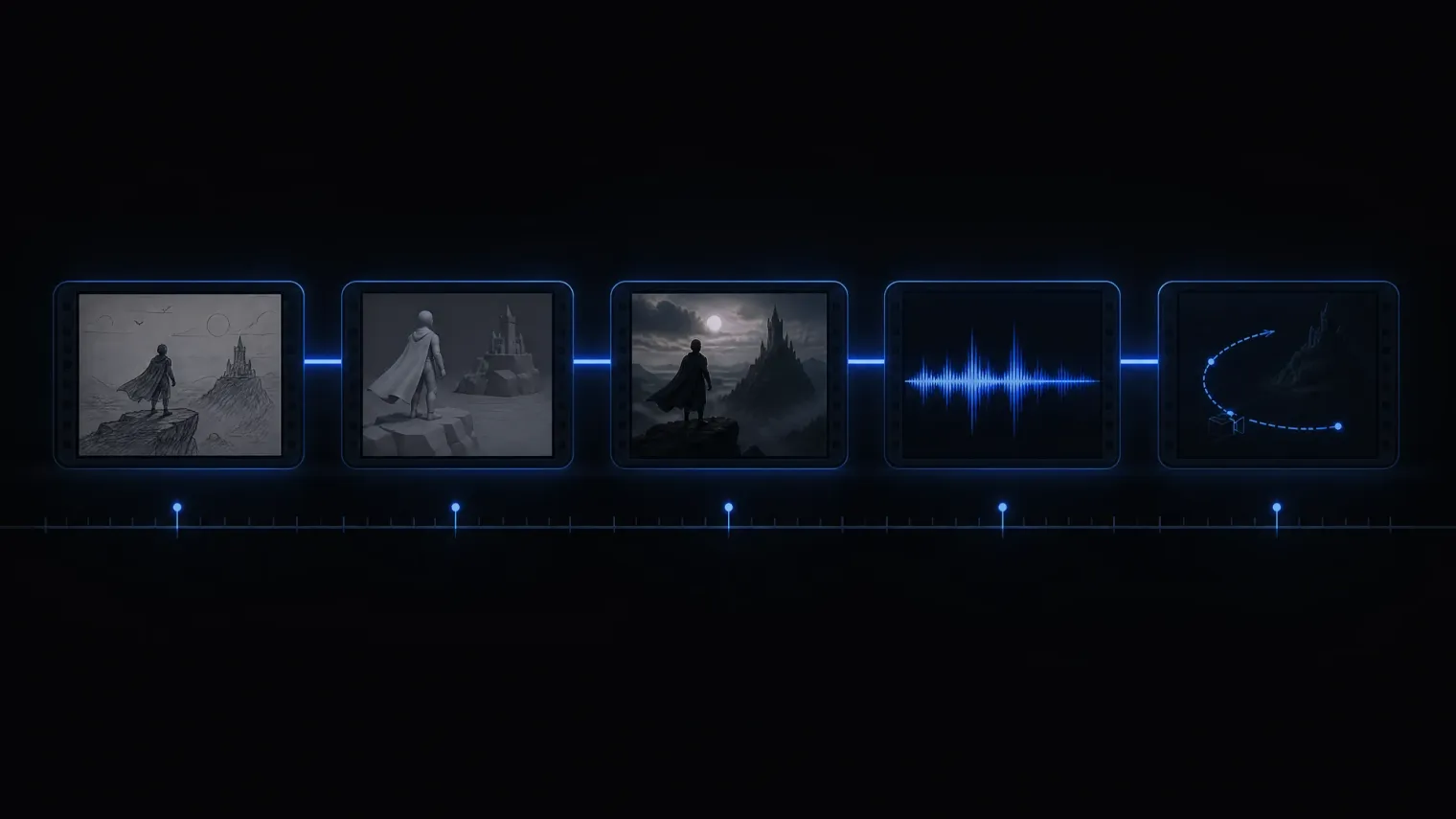
Ключевые кадры — точная опора. Каждая картинка подаётся отдельным референсом, и видео повторяет их довольно строго. Длительность при этом задаёте вы.
Сколько и каких материалов подавать
Лимит в 50 референсов — потолок, а не рекомендация. Стабильность падает задолго до него, поэтому официальный гайд отдельно приводит рабочие диапазоны.
Что подаём | Рекомендация |
|---|---|
Общие лимиты | Изображения: до 30 штук, разрешение до 4K. |
Сколько субъектов в аудио- и видеореференсах | 1-5 субъектов — стабильный результат. |
Длительность аудио- и видеореференсов | 5-10 секунд работают лучше всего. |
Сколько субъектов в картинках | 1-8 субъектов — хорошо. |
Один ракурс или несколько | До 5 субъектов — можно и один ракурс, и несколько. |
Кадров в раскадровке | До 15 кадров. |
Детализация 3D-болванки | Простая грубая болванка обычно даёт лучший результат. |
Длина видео для редактирования | До 20 секунд — стабильно. |
Картинок-референсов при редактировании | 1-5 изображений — хорошо. |
Формат для продления | Для лучшей аудиовизуальной непрерывности — |
Как устроен хороший промпт
Относитесь к Seedance 2.5 как к продюсеру: описывайте не набор тегов, а сцену, которую нужно снять.
Официальный гайд предлагает четыре блока — в таком порядке они и пишутся.
Привязка материалов. Прямо в тексте укажите, что есть что: «Image 1 — главный герой», «Audio 2 — его голос». Нумерация соответствует порядку загрузки.
Одно предложение-саммари. Субъект + место + событие + жанр или стиль + камера.
Подробный сценарий. Разбейте ролик на отрезки таймкодами или «Shot 1 / Shot 2» и опишите для каждого картинку, движение камеры, действия, реплики, звук.
Общие примечания. Всё, что должно держаться от начала до конца: ракурс, свет, атмосфера, стиль звука.
Формулируйте через присутствие, а не отсутствие. Отрицания поддерживаются только для субтитров и звука — вроде no subtitles или no BGM.
Вот как это выглядит в базовом текстовом промпте — и что получилось на выходе.
Realistic nature documentary style, natural lighting and shadows. On a warm afternoon, on a grassy slope in the forest, a chubby panda cub rolls down the hill.

The panda has fluffy, realistic black-and-white fur, a small round body, and clumsy, adorable movements. The scene is a green forest slope. The ground is covered with grass, moss, clover, soil, small stones, dry branches, and a few small yellow flowers. Tall tree trunks and dense woods are softly blurred in the background. The camera is a low-angle medium-wide shot with a slight handheld feel. The framing remains mostly stable, keeping the panda in frame at all times.

0s-3s: A panda cub lies on a green grassy slope, its body round and chubby. It begins to slowly roll sideways down the slope with clumsy movements, gently bending the grass beneath its body. A light breeze passes through, and sunlight filters through the trees from the upper left, creating dappled light and shadow.

3s-8s: The panda rolls toward the lower right of the frame and gradually comes to a stop, shifting from lying on its side to lying on its belly. Its round face turns toward the camera, and its front paws press into the grass. The panda lies in the foreground grass, adjusts into a comfortable position, slightly raises and lowers its head, and makes a soft little humming sound.

Low camera position, slight handheld feel, subtly following the panda as it moves toward the lower right. Natural depth of field: the foreground grass is slightly blurred, the panda remains clear, and the background forest is softly out of focus. Natural environmental audio only, including wind, rustling grass, and the soft plop of the panda rolling. The overall mood is warm, realistic, and natural.
Референсы: привязывайте материалы явно
Чем больше материалов, тем важнее карта соответствий. Нумеруйте по порядку загрузки — Image 1, Video 1, Audio 1 — и связывайте каждый ассет с ролью прямо в тексте. Не полагайтесь на подписи внутри картинки: если написать «Джон» на изображении и потом упомянуть Джона в промпте, персонажи легко перепутаются или задвоятся.
Перечисляйте соответствия по одному, а при большом составе — списком: «Images 1-2 are Character 1 and correspond to Audio 1; Images 3-4 are Character 2 and correspond to Audio 2.»
Указывайте, что именно брать из материала: «Refer to the action of casting the spell in Video 1 and the wrap-around camera movement in Video 2.»
Если референс и так точен — не пересказывайте его словами: «Strictly refer to the actions and camera movements in Video 1, and keep the sequence consistent with the video.» Описывать поднятую руку и разворот камеры отдельно не нужно.
Редактирование: из A в B
Обозначьте границы правки и то, что остаётся нетронутым. Лучше всего работает формулировка «было A — стало B», при необходимости с таймкодами.
«Only edit the man's dialogue in Video 1: change it to “Don't come over here”, and adjust the accent to an American English accent…»
«Change the man's action from drinking coffee to mopping the floor from 4-6 seconds in Video 1, and leave the rest of the content unchanged.»
«Editing task: Replace the Asian woman on the right in Video 1 with the Latina woman from Image 1.»
Первый и последний кадр
Есть два способа, и они дают разный результат:
Задать роль изображения как первый или последний кадр. Тогда соотношение сторон ролика жёстко наследуется от первого кадра, а совпадение с картинкой строгое.
Оставить картинки обычными референсами и назначить роли словами — «Image 3 is the first frame, and Image 5 is the last frame.» Формат при этом не фиксируется, но и совпадение будет приблизительным.
Таймкоды
Базовая единица — одна секунда. Слишком мало событий на отрезке — модель начнёт импровизировать; слишком много — появятся лишние склейки или часть сюжета выпадет.
Интервалы: «0-3 seconds… 3-7 seconds… 7-15 seconds». Следите за непрерывностью — разрывов вида «0-3 с… 5-6 с» быть не должно.
Точка на таймлайне: «At the 2-second mark, a burst of golden lightning descends from the top of the frame…»
Относительное время: «The frame freezes for 1 second after the main character presses the shutter.»
Не пытайтесь управлять таймкодами высокочастотными действиями вроде «мотает головой три раза в секунду» — это не работает.
Негативные указания
Отрицания поддерживаются в двух областях — субтитры и звук:
no subtitles— без надписей в кадре.no BGM; generate only environmental sounds and action sounds— без музыки, но с шумами и звуками действий.no audio— совсем без звука.
Продвинутые приёмы
Язык камеры
Базовые термины можно писать напрямую: крупность (
extreme wide shot,medium close-up,close-up), движение (push in,orbit,handheld shake), ракурс (low angle,overhead shot,first-person perspective).Известные приёмы тоже понятны как есть:
one-shot / long take,dolly zoom,FPV,bullet time,speed ramp.Редкие термины расшифровывайте: «Rack focus: the focus shifts smoothly; the trees that were originally clear in the foreground become blurred, while the character in the background gradually becomes clear.»
Для переходов указывайте и момент, и способ: «At the 5-second mark, the camera quickly transitions leftward using a left wipe combined with a natural dissolve.»
Действия и мимика
Действия описывайте обобщённо — «делает несколько подходов с высоким подъёмом колена и кувырок», «обе стороны сходятся в ближнем бою». Детально прописывайте только пару ключевых моментов и не повторяйте одни и те же действия.
Мимику — описательными фразами, без идиом.
3D-болванки: рендер по серой сцене
Один из самых практичных новых сценариев: вы собираете грубую сцену из примитивов (или берёте превиз из 3D-пакета), а модель «раскрашивает» её в нужную стилистику, сохраняя движение камеры и хронометраж. Правила такие:
Прямо скажите, что именно берётся из болванки. Если в ней нет смены света — пишите только про камеру и движение: «Refer to the camera movement and motion in [Video 1]…»
Если есть картинки-референсы, сопоставьте их с болванкой поимённо: «Map the man in gray clothing from [Image 1] to the red model in [Video 1]…»
Даже с болванкой подробно описывайте желаемый результат — и следите, чтобы описание не противоречило тому, что происходит в самой болванке.
Многокадровые раскадровки
Раскадровка экономит время, но она же ограничивает модель. Что важно:
Не больше 15 кадров. На 18 кадрах начинаются статичные планы и сбитый порядок сцен.
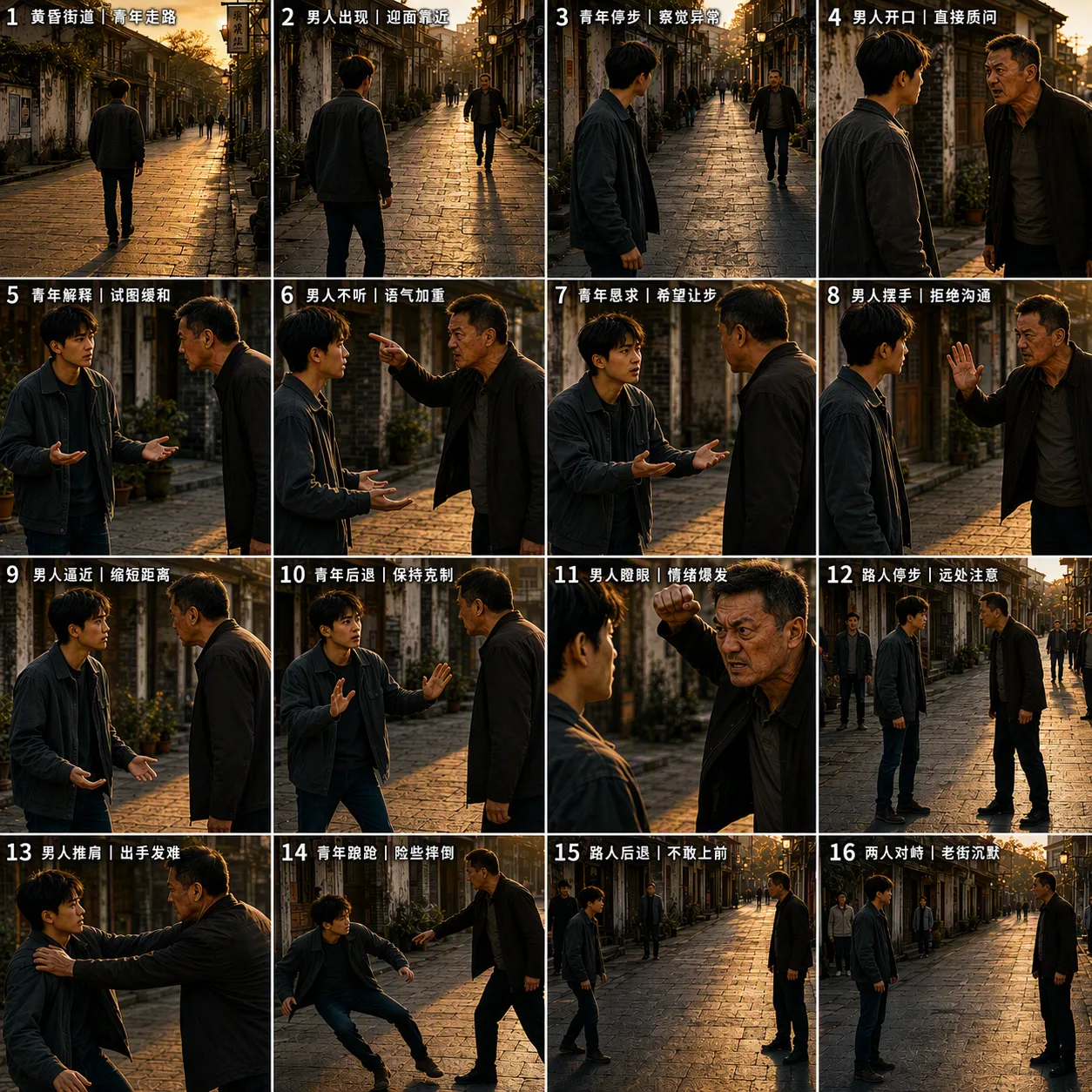
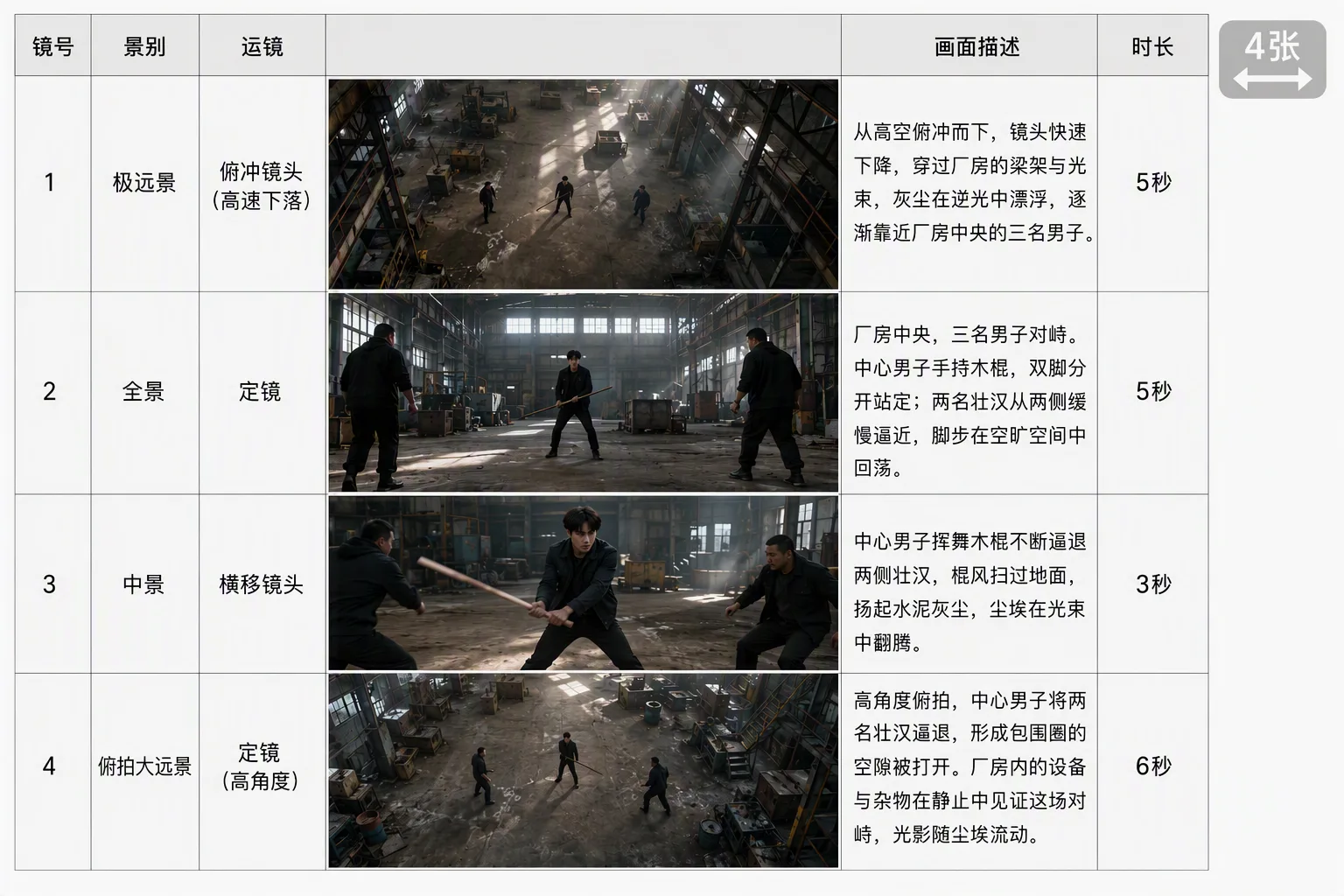
Не подавайте шумные и перешарпленные раскадровки — особенно сгенерированные нейросетью коллажи с обилием текста.
Следите за непротиворечивостью промпта — нереализуемая логика движения камеры портит результат сильнее, чем её отсутствие.
Раскадровка не соблюдается покадрово. Если нужна строгая привязка — используйте ключевые кадры.
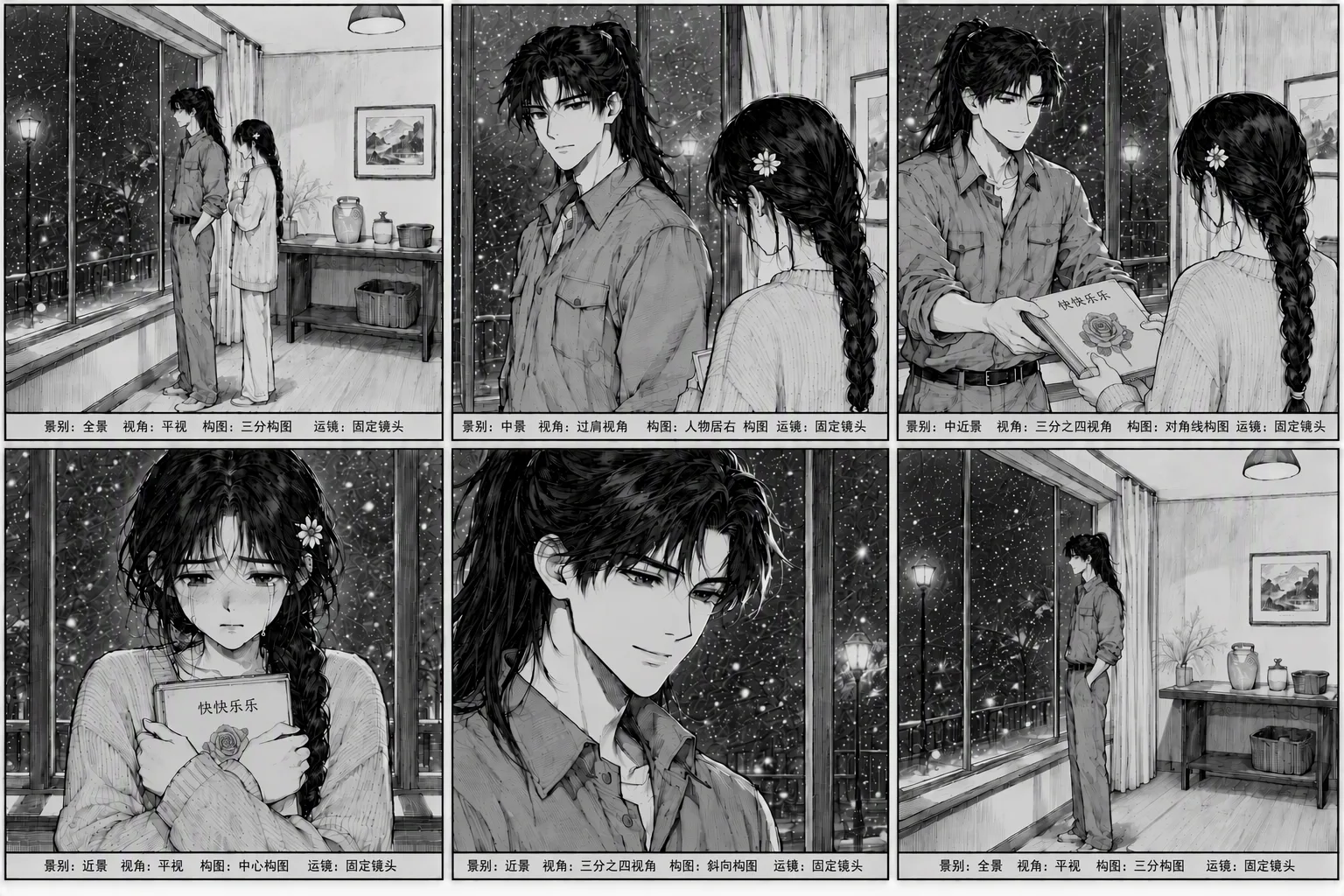
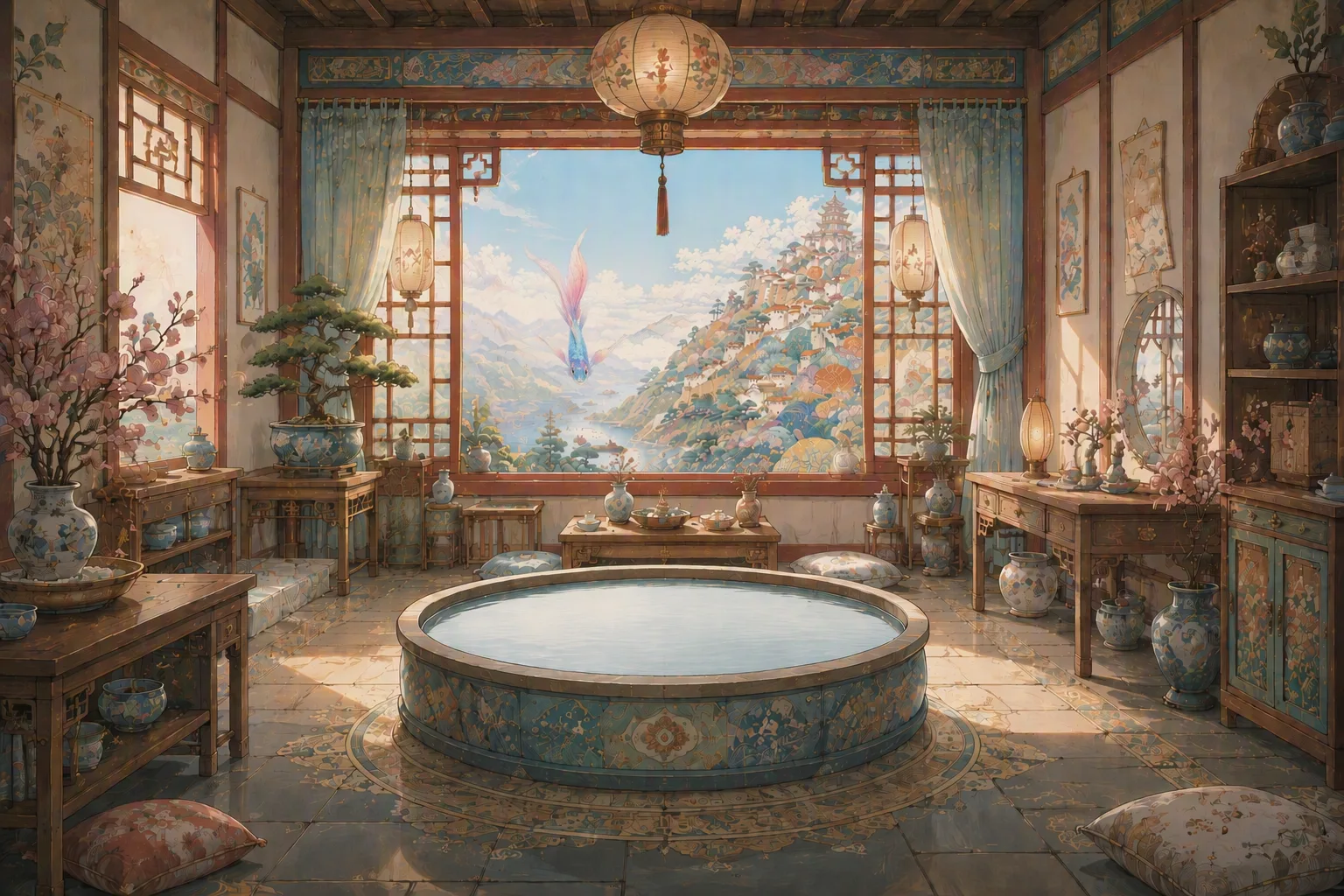
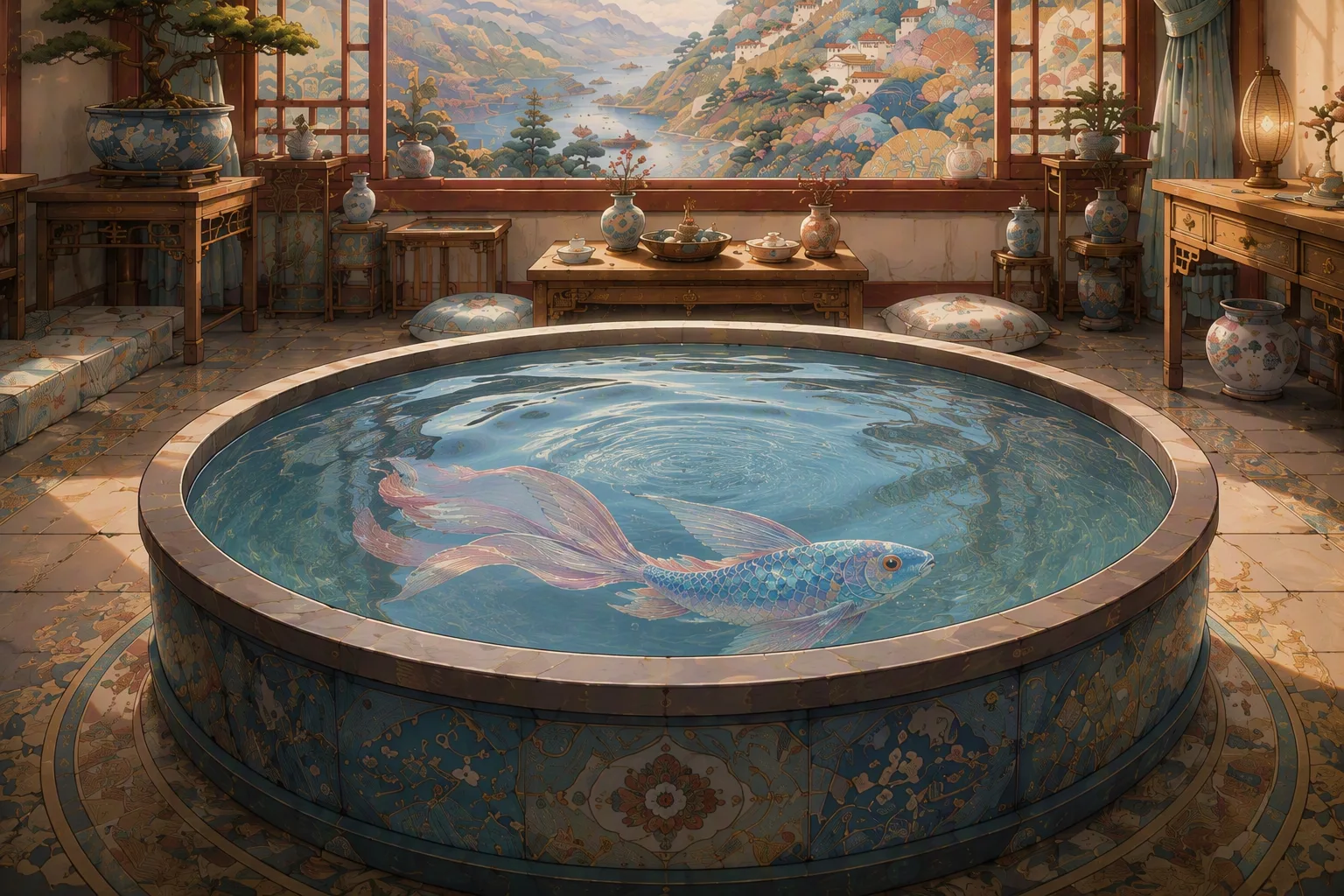
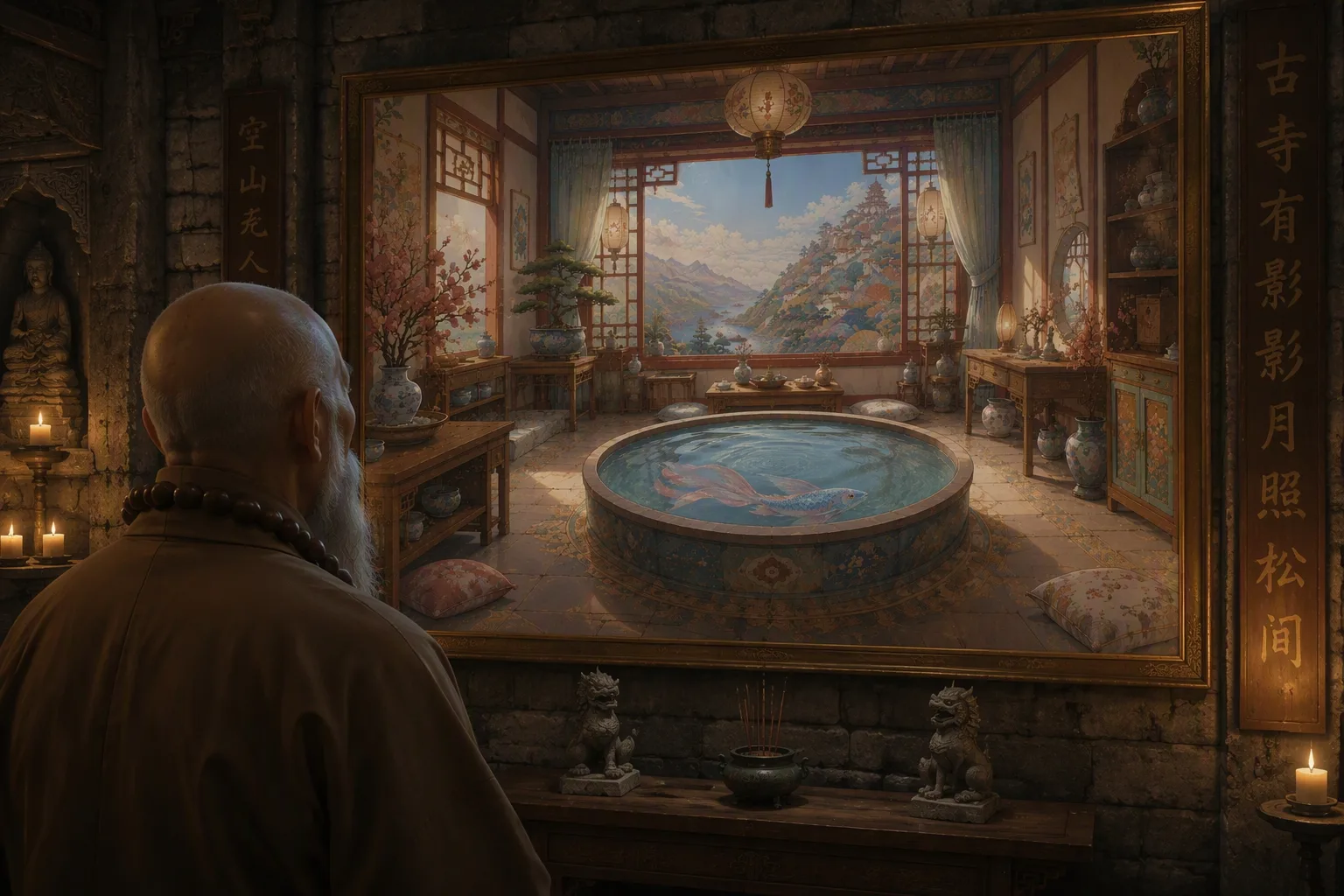
Так выглядят раскадровки, которые лучше не подавать: слишком плотные, перешарпленные, с текстом поверх кадров.
А это рекомендованный вариант — простой линейный скетч, к которому промптом дописывается всё остальное: сначала привязка материалов, потом краткое содержание, потом подробное описание сцен.
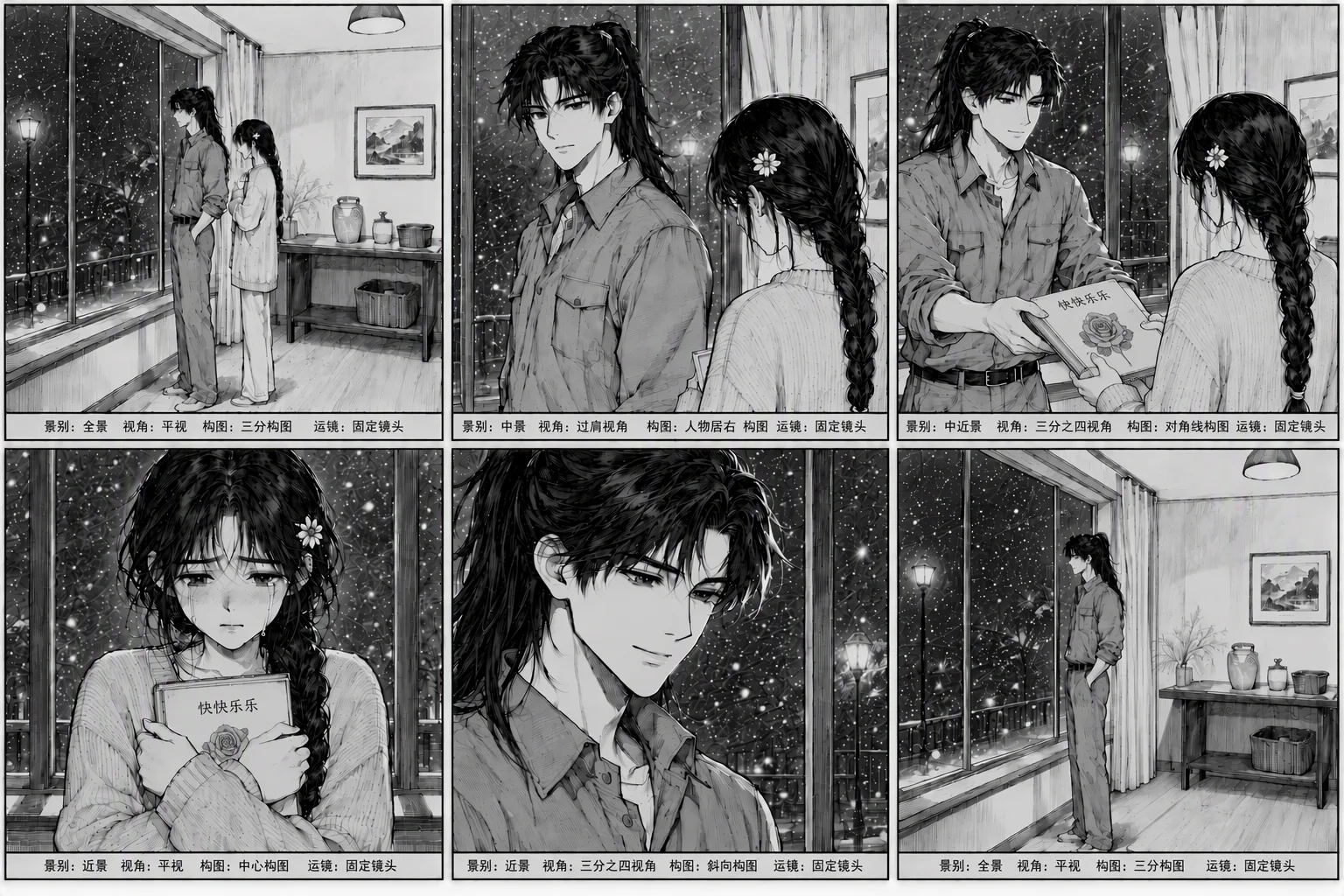

Asset binding: Storyboard - [Image 1]; bedroom - [Image 2]; Li Tian - [Image 3]; Li Qian - [Image 4]; the book Happiness - [Image 5].
Shot 1:
[Wide shot, locked-off camera, rule-of-thirds composition] On a snowy winter night, inside a quiet bedroom, a man stands sideways in front of a floor-to-ceiling window with his hands in his trouser pockets, looking out at the falling snow. The girl stands beside him, quietly looking at him. The atmosphere is calm and restrained, with snowflakes continuously falling against the glass window.
Shot 2:
[Medium over-the-shoulder shot] The girl's back is in the foreground. The man turns his head and looks at her gently. The girl lowers her head slightly and remains silent. Snow continues to fall outside the window.
Shot 3:
[Medium close-up, diagonal composition] The man holds the book Happiness and slowly hands it to the girl. The girl raises her hand to take the book.
Shot 4:
[Close-up of the girl's face, centered composition] The girl holds the book tightly against her chest. Her eyes are red, tears slowly fall, and her expression is filled with sadness.
Shot 5:
[Close-up of the man's face, diagonal composition] The man smiles gently and quietly looks at the tearful girl, with sadness in his eyes.
Shot 6:
[Wide shot, locked-off camera] The girl turns around and slowly walks out of frame. Only the man remains, standing alone in front of the window with his hands in his pockets, looking out at the snowy, windy night sky. The room feels empty and silent.
Если раскадровка концептуальная — то есть это скорее набор ключевых образов, чем строгий монтажный план, — промпт можно сильно упростить: «Construct a complete story plot according to the storyboard sequence, and use the shots in a reasonable and coherent way.»
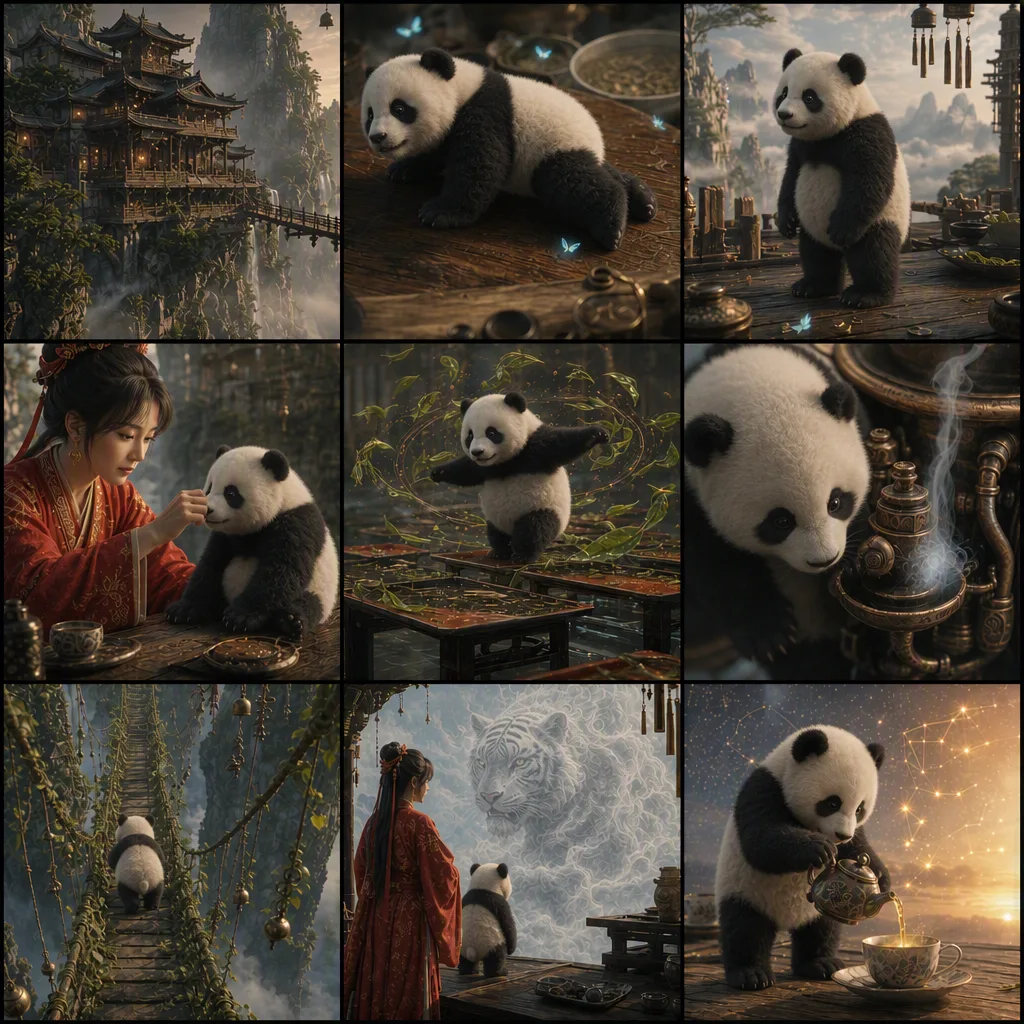
Ключевые кадры: когда нужна точность
Если видео должно строго следовать вашим кадрам, подавайте каждый кадр отдельной картинкой по порядку и начинайте промпт с прямого указания: «Use Images 1 to 7 in order as keyframes.» Дальше — обычное описание сюжета и стиля.
Официальный помощник для промптов
У ByteDance есть собственный набор инструкций для AI-ассистентов — им можно доверить вычитку и доработку промпта. Устанавливается одной командой:
npx --yes skills@latest add \
  "https://arkdocs-en.tos-ap-southeast-1.volces.com/skills/" \
  --skill sd25-pe \
  --yes
После установки в чате с ассистентом вызывается командой /sd25-pe с вашим промптом — он приводит текст к структуре, разобранной выше.
Примеры: промпт, входные материалы, результат
Дальше — разборы из официальной документации. Мы сохранили оригинальные промпты и все исходники, чтобы можно было сравнить вход и выход.
Грубая 3D-болванка → 30-секундный мультфильм
Болванка задаёт хронометраж, монтаж и траектории камеры, а к каждому этапу приложен ключевой кадр с нужной картинкой. Обратите внимание на формулировку в конце промпта: визуальное содержание болванки использовать запрещено, только движение.
Входная болванка
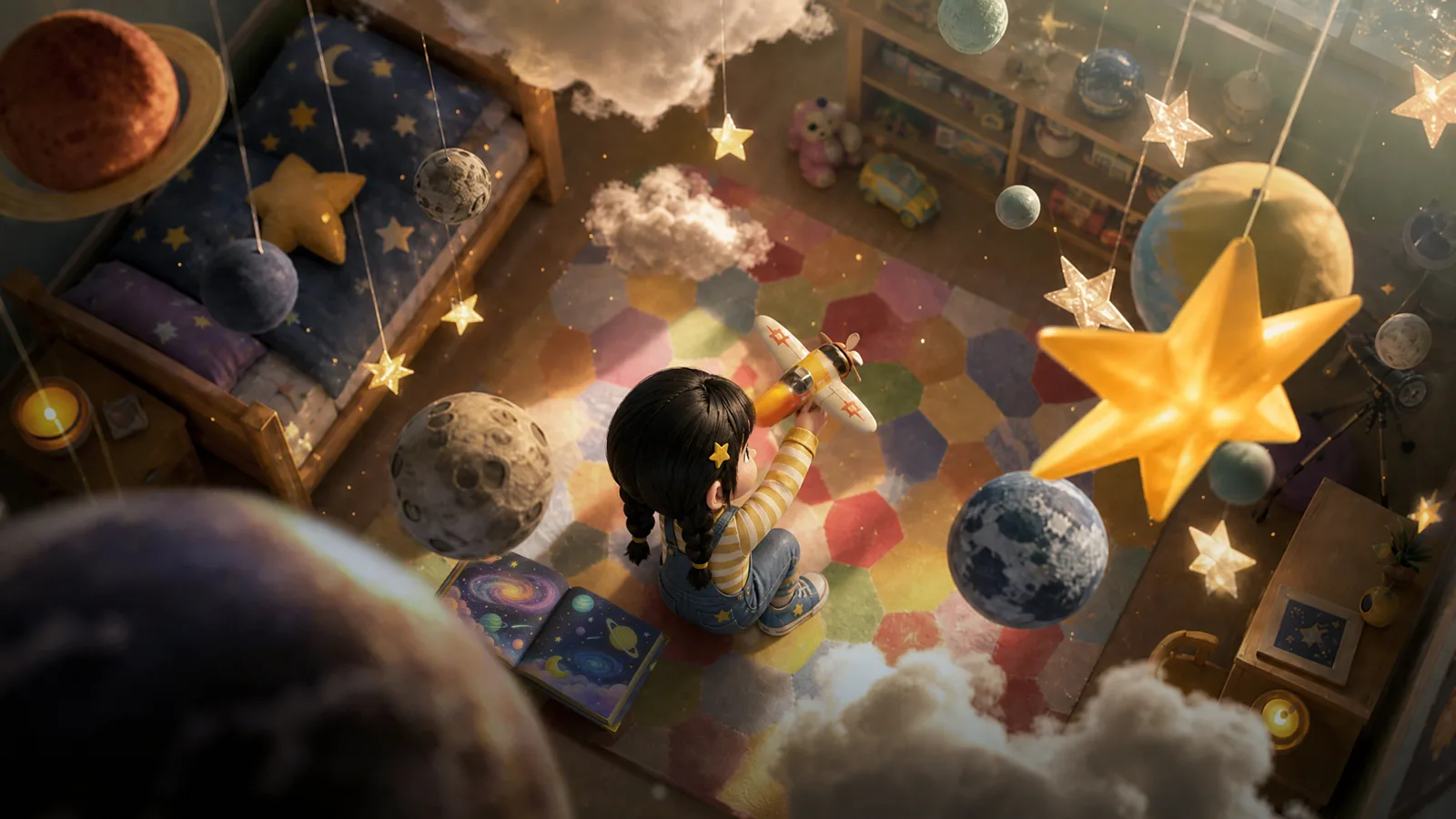
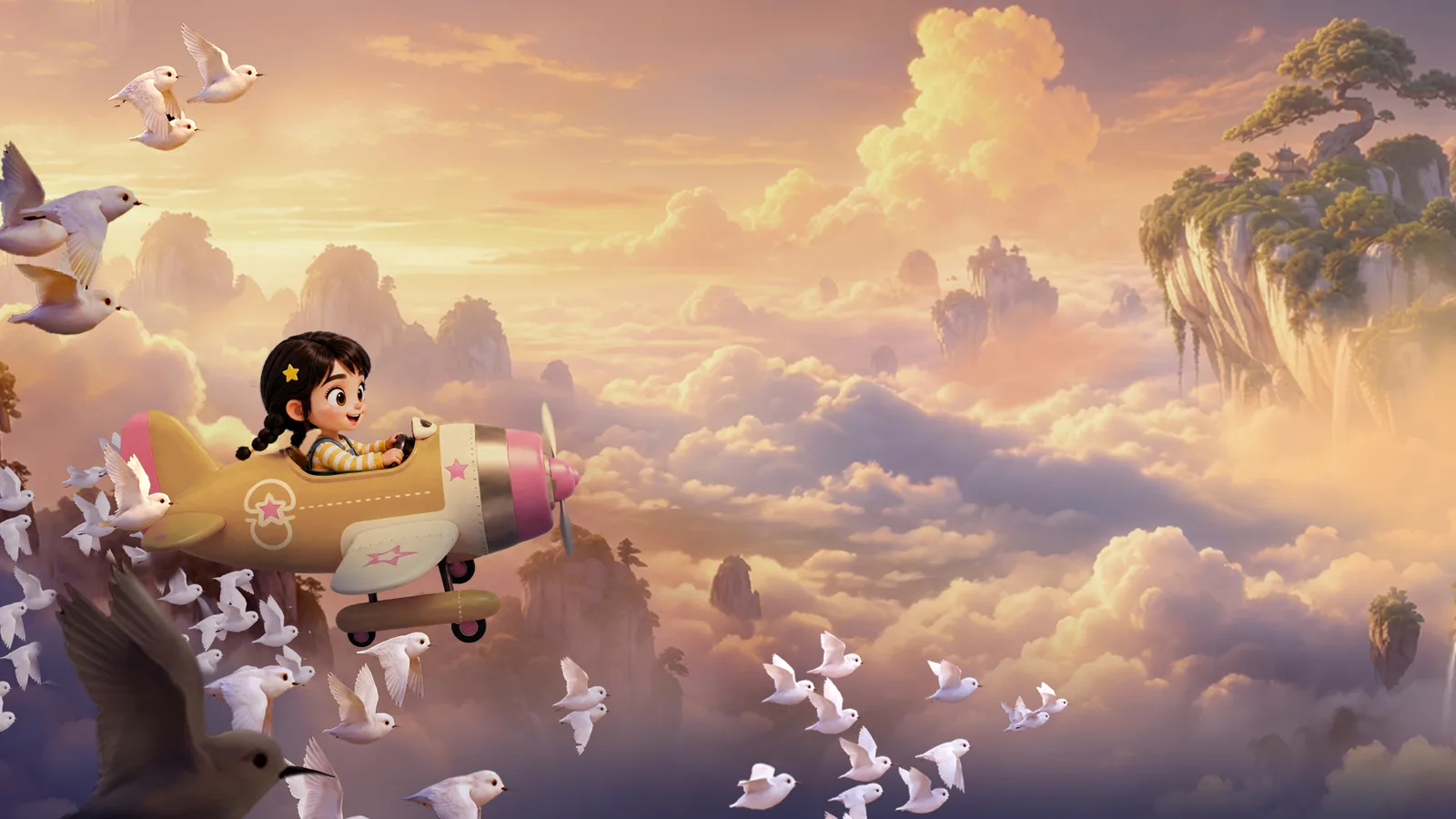
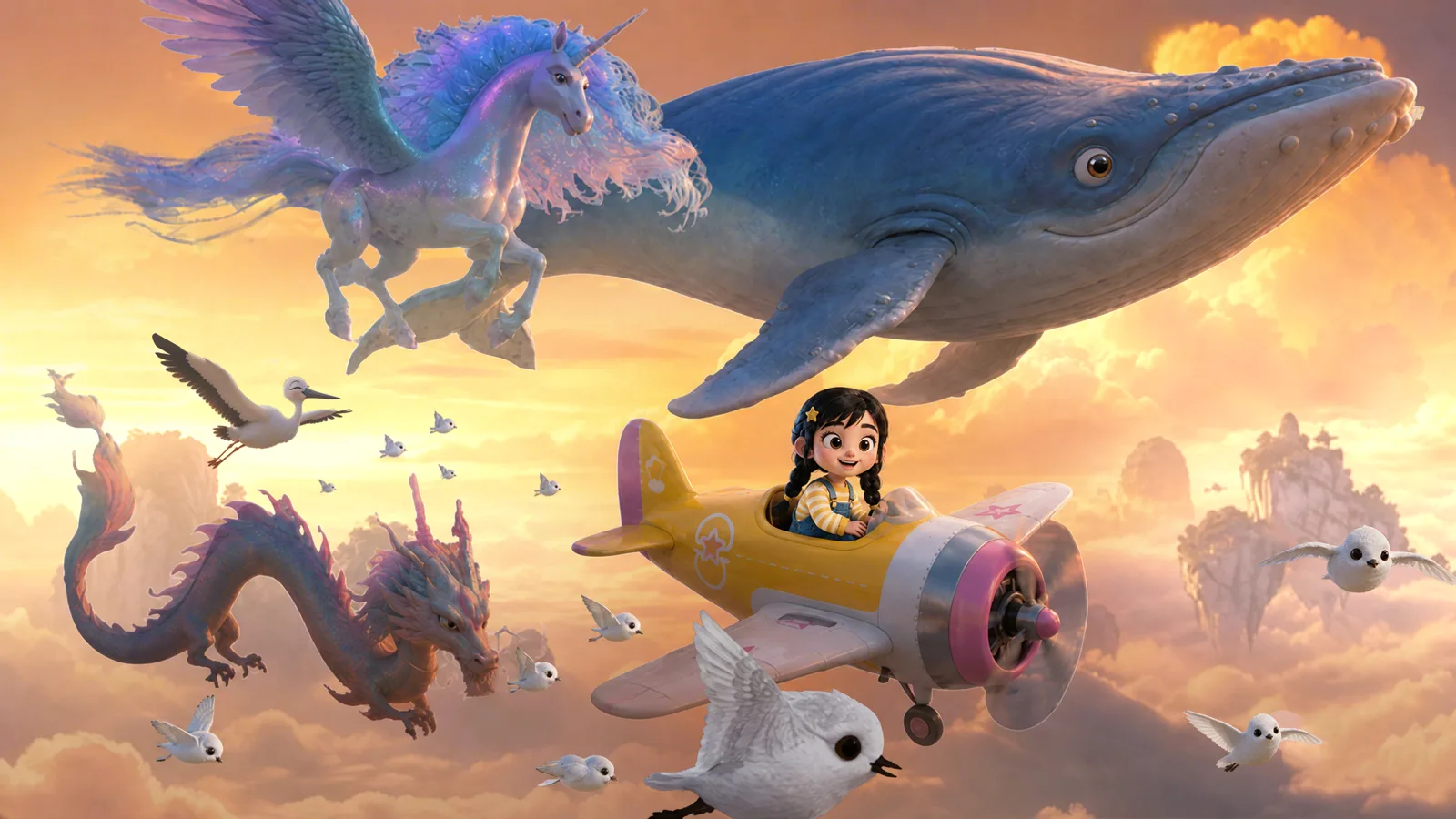
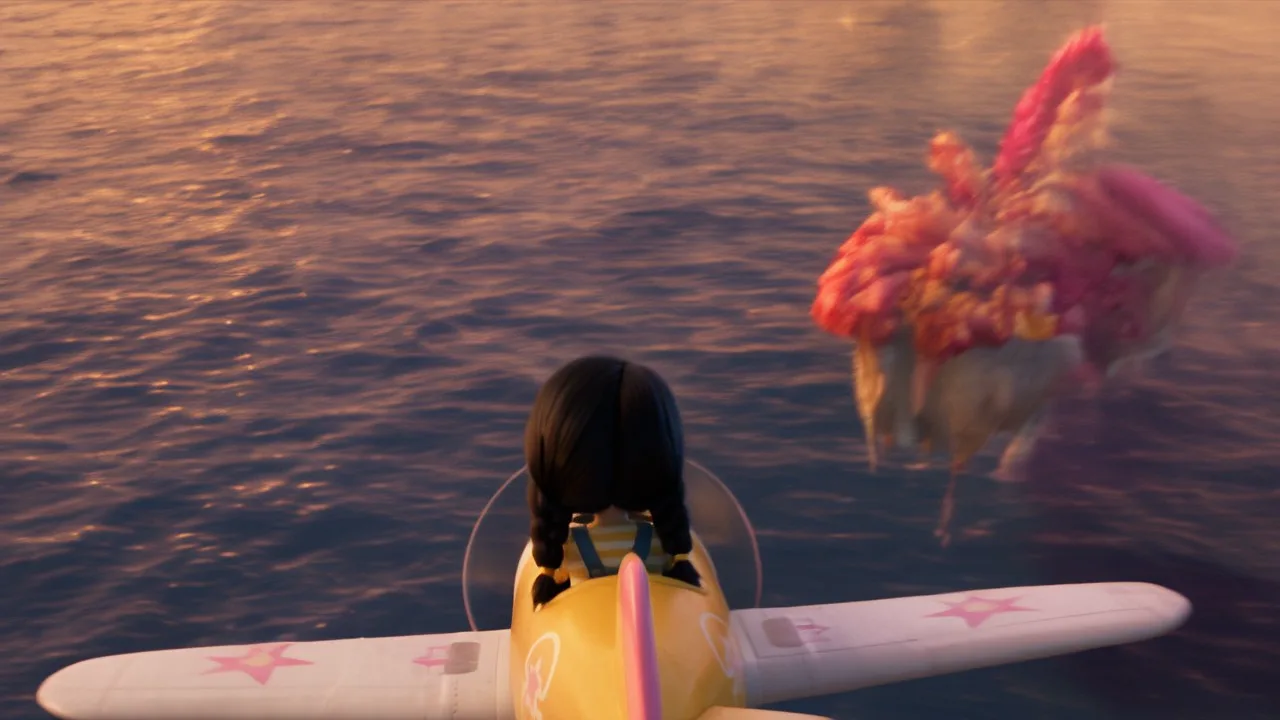
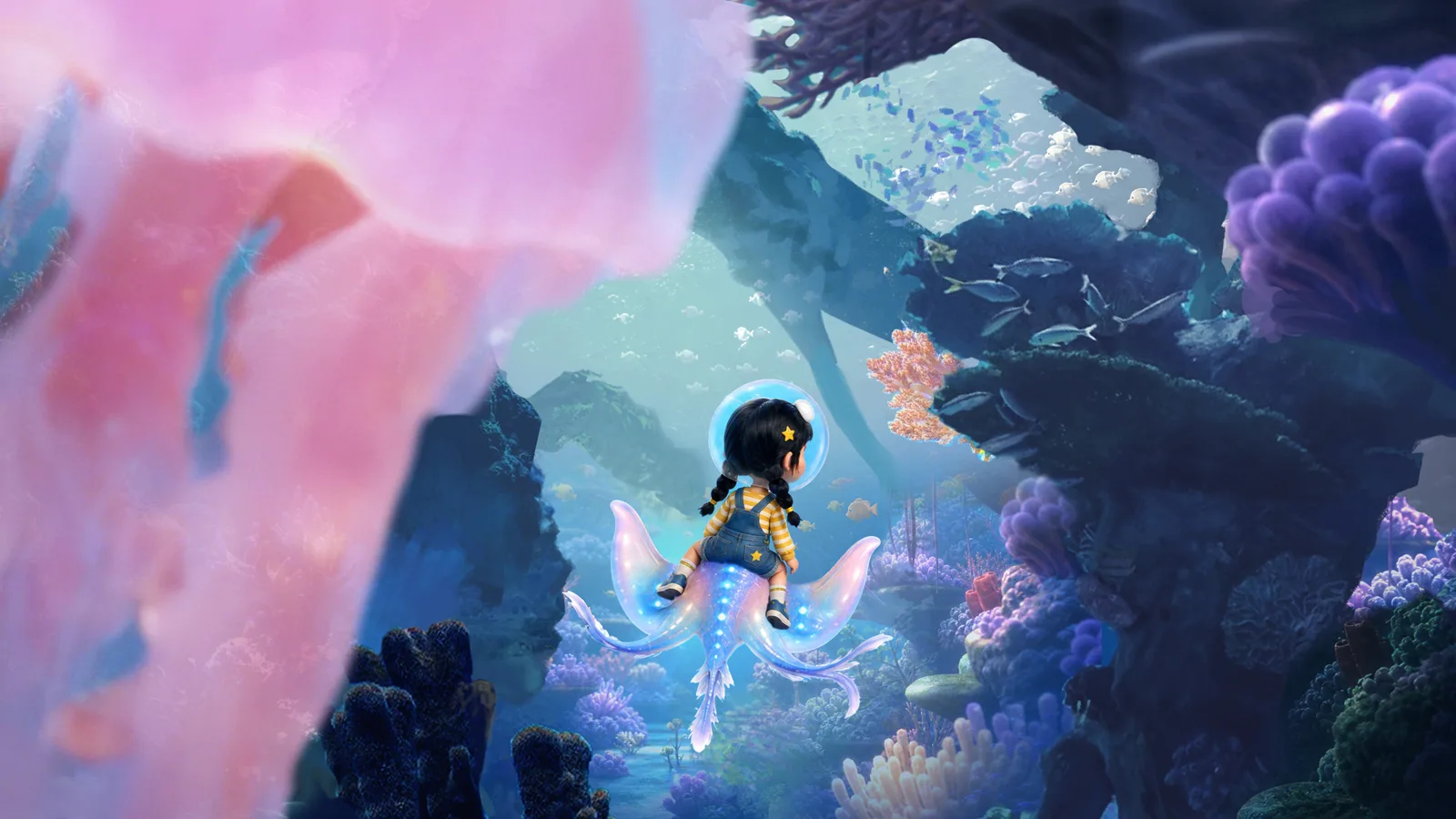
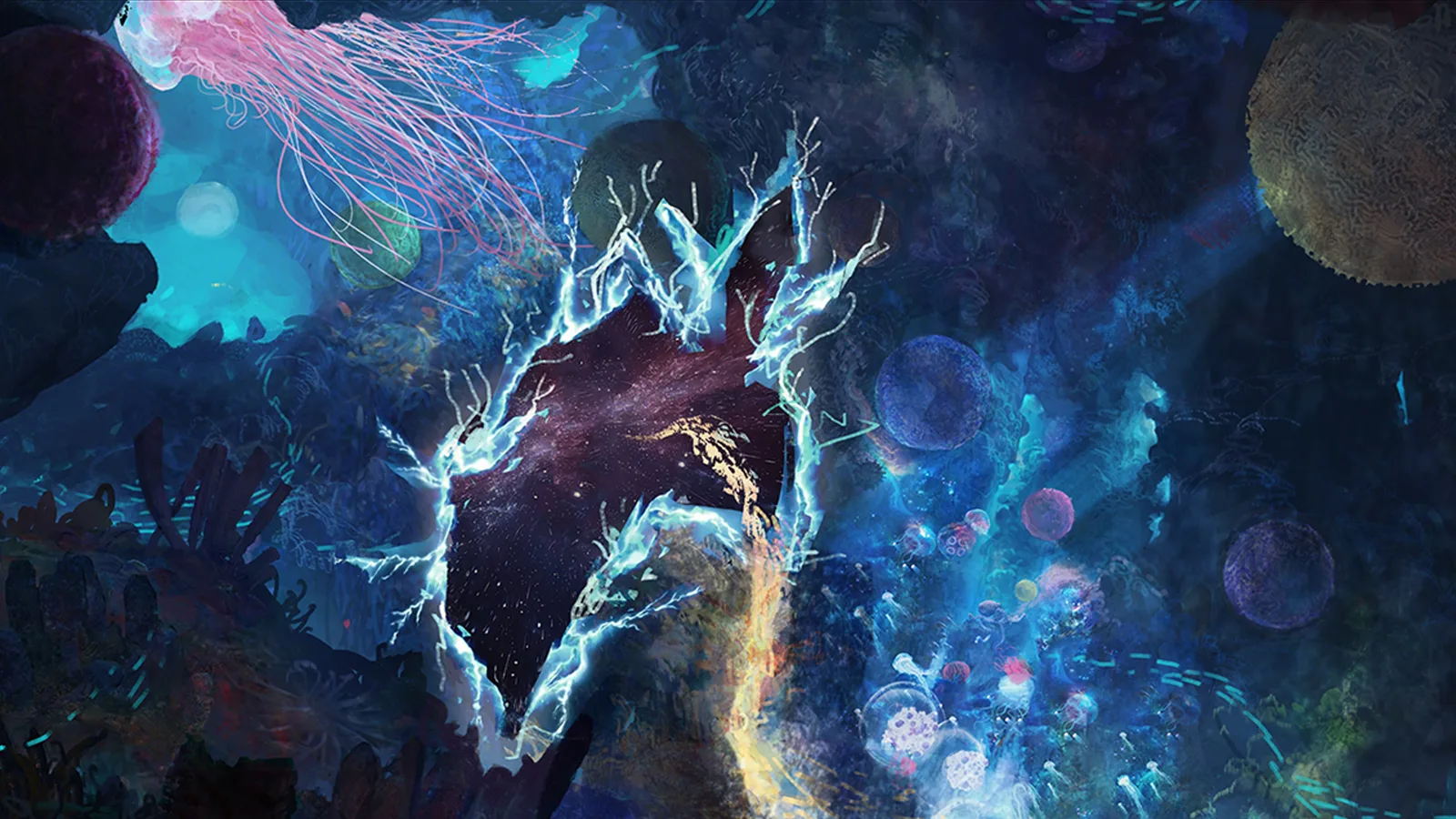
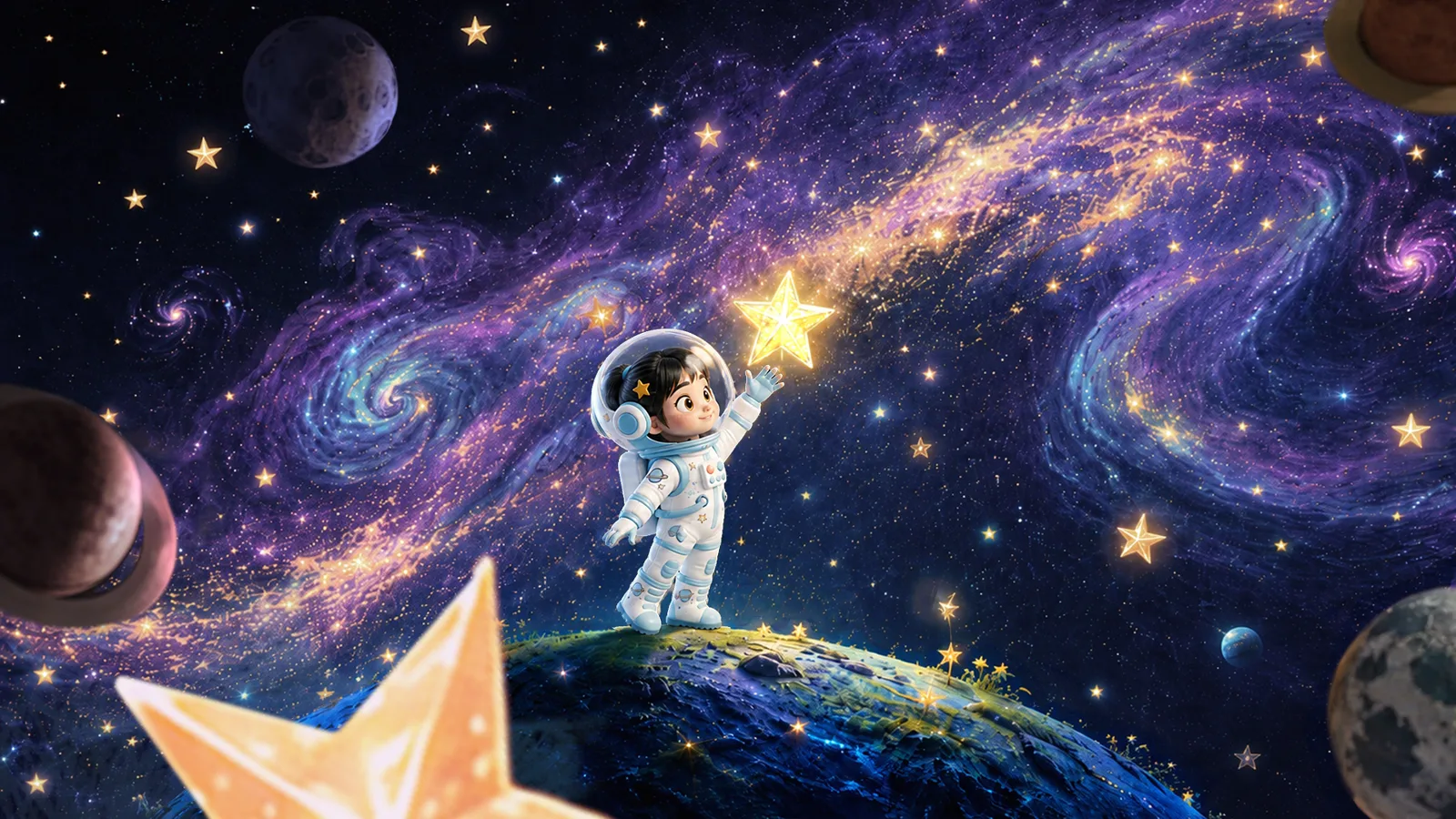
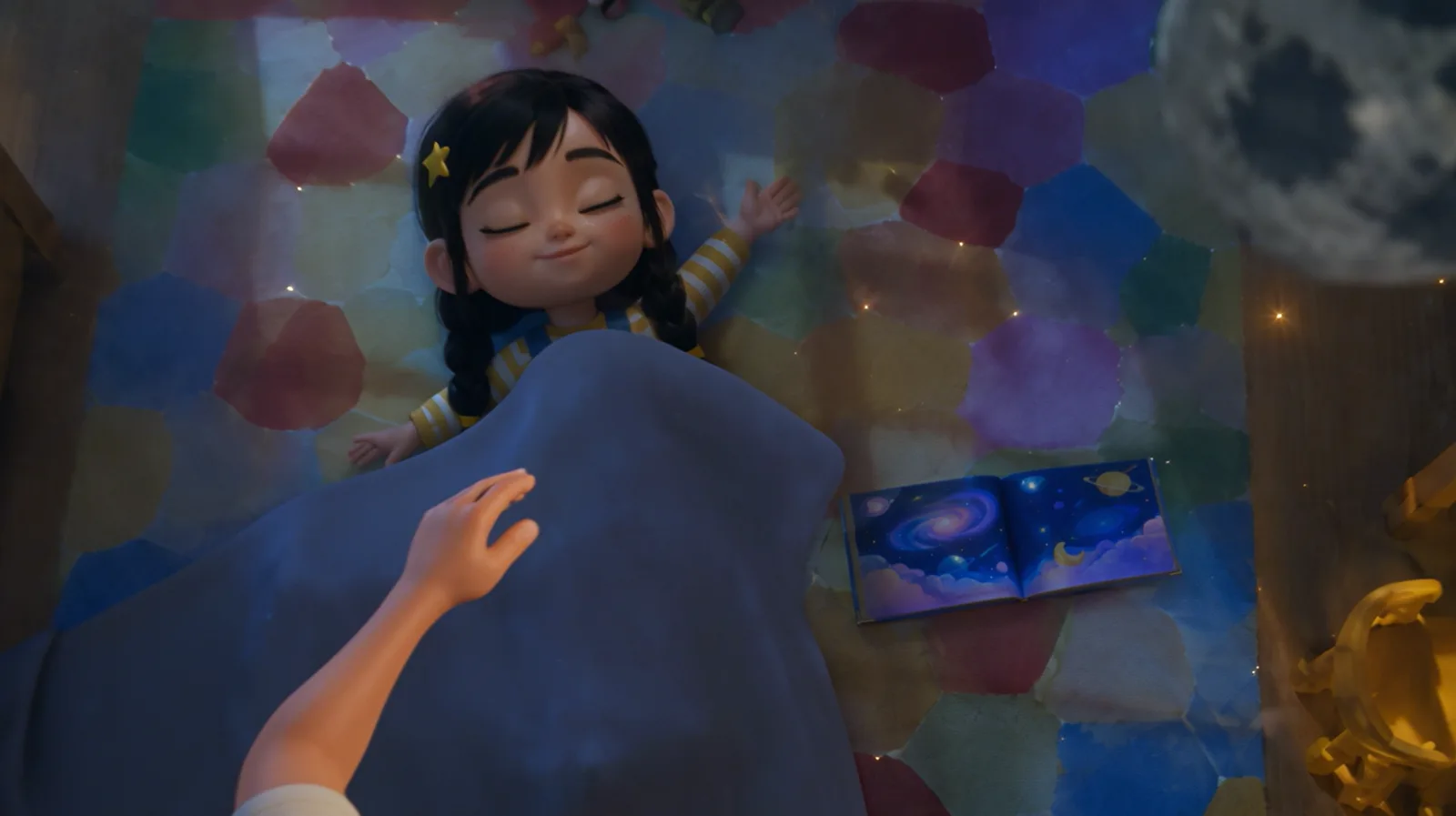
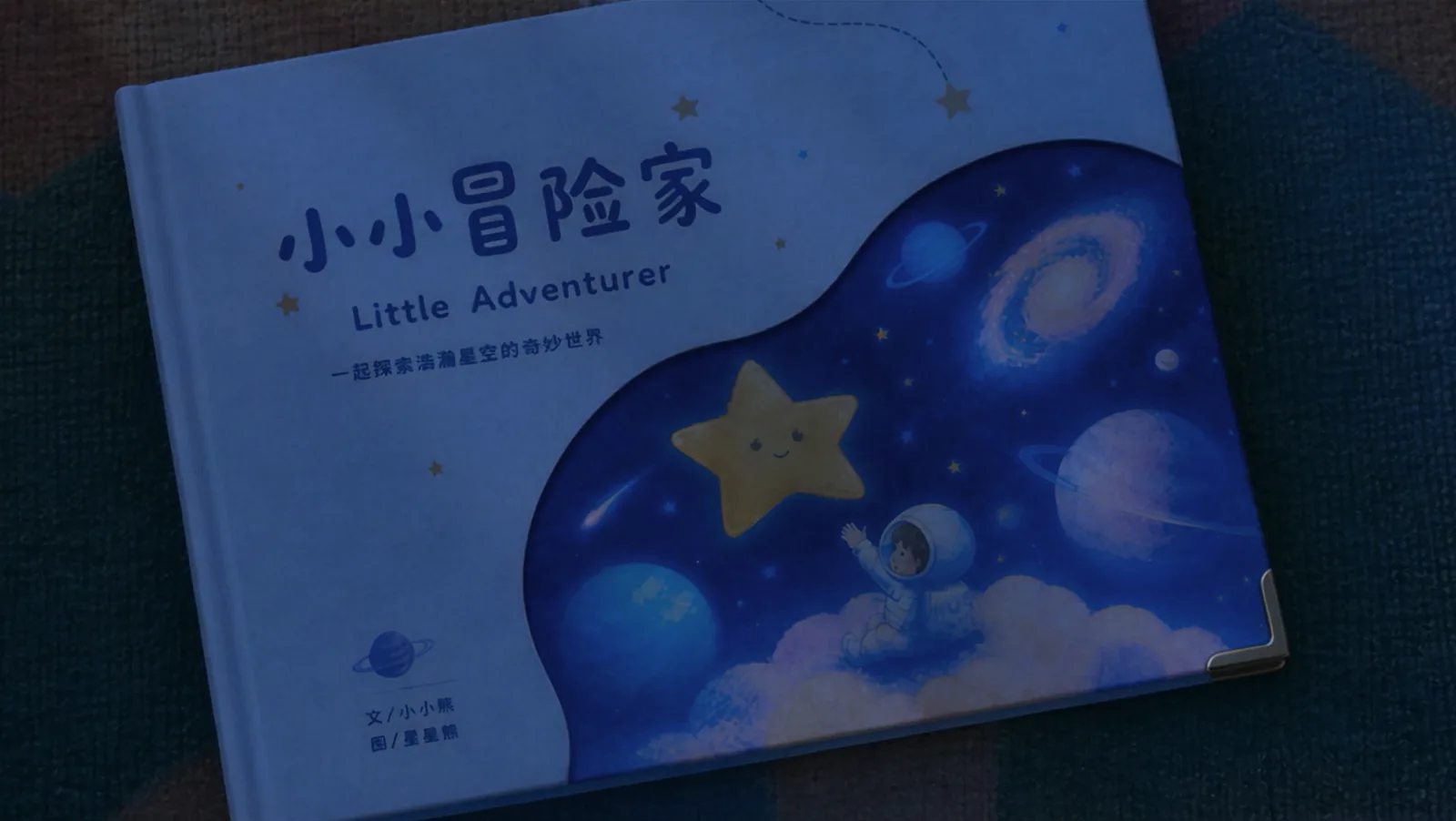
Use the 3D clay-model reference video <video1> as the only reference for the entire video's camera movement, shot rhythm, shot-size changes, subject motion trajectory, and camera blocking. Strictly preserve the shot order, camera position changes, movement patterns, and pacing of the 3D clay-model video. Do not change the shot structure, add new shots, or alter the subject's motion logic.

Using the keyframe reference images for each stage, generate a 30-second high-quality 3D animated short film. The overall style should be dreamy, fairytale-like, warm, and full of childlike fantasy. The character's appearance should remain consistent with the keyframes for each stage. Do not change the character design. The character's facial expressions and emotions should change naturally with the scene.

0-3s (first-frame reference: <2pic>): The shot starts from an overhead wide view and slowly pushes in toward a little girl on the floor. The girl sits on the carpet in her room, playing with a toy airplane. She stands up, turns left, and forcefully swings her right hand to launch the airplane. The toy airplane flies in an arc from left to right into the foreground. The sound gradually transitions from the sound of throwing a paper airplane into the engine sound of a real animated airplane, accompanied by gentle, soothing, cheerful background music.

3-5s (reference: <3pic>): The airplane flies from left to right through hanging star decorations in the room. The girl rides the airplane into a fantasy sky. A flock of birds flies across the foreground, creating a natural transition. The camera continues side-following and rotating.

5-8s (reference: <4pic>): The camera continues side-following and orbiting around the little girl. Throughout this segment, the girl keeps piloting the small airplane through a sea of sunset clouds. Around her, a flock of strange birds and giant mythic birds fly alongside her. The white dragon from the reference image swims forward through the air, a winged horse spreads its wings and flies, and a flying whale calls out. Floating islands appear in the background.

8-10s (reference: <5pic>): The camera orbits to the back of the airplane. The airplane slowly dives toward the sea surface. The girl falls into the water, creating many bubbles in the frame. She swims toward the deep sea, now wearing a bubble-shaped oxygen helmet.

10-19s (references: <6pic>, <7pic>): The girl continues swimming deeper into the ocean. Suddenly, a manta ray swims into frame and carries the girl forward. The camera continues following the manta ray and the girl as they travel through a dazzling underwater world. The girl looks amazed by the beautiful underwater scenery. The camera keeps pushing forward, revealing a huge space-time rift ahead. The area around the rift looks like broken mirrors, while inside the rift is a brilliant cosmic galaxy. The girl feels a little frightened, but is eventually pulled into the space-time rift and arrives in a fantasy universe.

19-23s (reference: <8pic>): The girl bursts out of the space-time rift into the fantasy universe, and her outfit changes into the spacesuit shown in the keyframe. Wearing the spacesuit, she jumps from one planet to another. She reaches out, leaps forward, and catches a glowing star. The frame freezes.

23-24s (reference: <9pic>): In the foreground, the girl and the planets begin to flip forward, gradually transforming and disappearing. In the background, the overhead view of the bedroom from the opening scene (reference: <1pic>) slowly fades in.

24-28s (reference: <9pic>): The overhead camera continues pushing in. The girl lies asleep on the carpet, still holding the star-catching pose with her hand. A toy airplane and a space-themed picture book lie beside her. Her Asian father enters the frame from the lower left and gently covers her with a blanket. The lighting slowly shifts from warm dusk light to cool moonlight at night.

28-30s (reference: <10pic>): The camera continues pushing in toward the picture book. The father enters the frame and gently closes the picture book on the floor with his right hand. The final frame freezes on the picture book.

Overall requirements: All visuals should reference the corresponding keyframes. The 3D clay-model video should only be used as a reference for camera movement, camera motion, shot rhythm, camera blocking, and character animation. Do not reference its visual content. The long-take transitions should feel natural and smooth. Actions should remain continuous, and character proportions and movement should remain consistent. Generate a 30-second video in a 16:9 widescreen format.
Результат
Синхронное сравнение: болванка и финальный рендер
Детальная 3D-болванка → рендер
Второй режим рассчитан на готовую сцену, которую нужно просто «раскрасить». Здесь промпт короткий — вся динамика уже есть в видео. Важно, чтобы в кадре не было траекторий, сеток и конусов камеры: модель воспримет их как часть изображения.
Входная болванка
Render Video 1. No BGM; generate only environmental sounds and action sounds.

Rendering requirements: The background is a nighttime cyberpunk city in deep blue and purple tones, filled with dense skyscrapers. Huge holographic billboards and neon lights glow between the buildings. Several flying vehicles move through the sky, flashing faint lights and producing subtle mechanical sounds. The character is a small raccoon dressed in a black stealth suit, appearing mostly as a silhouette. Its footsteps are cautious and quiet. The character moves across the rooftop of one of the skyscrapers.
Результат
А так выглядит превиз посложнее — с полётом корабля и музыкой:
Раскадровка из девяти кадров → драма на 30 секунд
Здесь раскадровка отвечает только за структуру и ритм, а внешность героев, среда и стиль заданы отдельными референсами и текстовыми блоками. Обратите внимание на блок «строго исключить»: он отсекает риск, что модель сорвётся в скетч или мультипликацию, увидев линейную раскадровку.
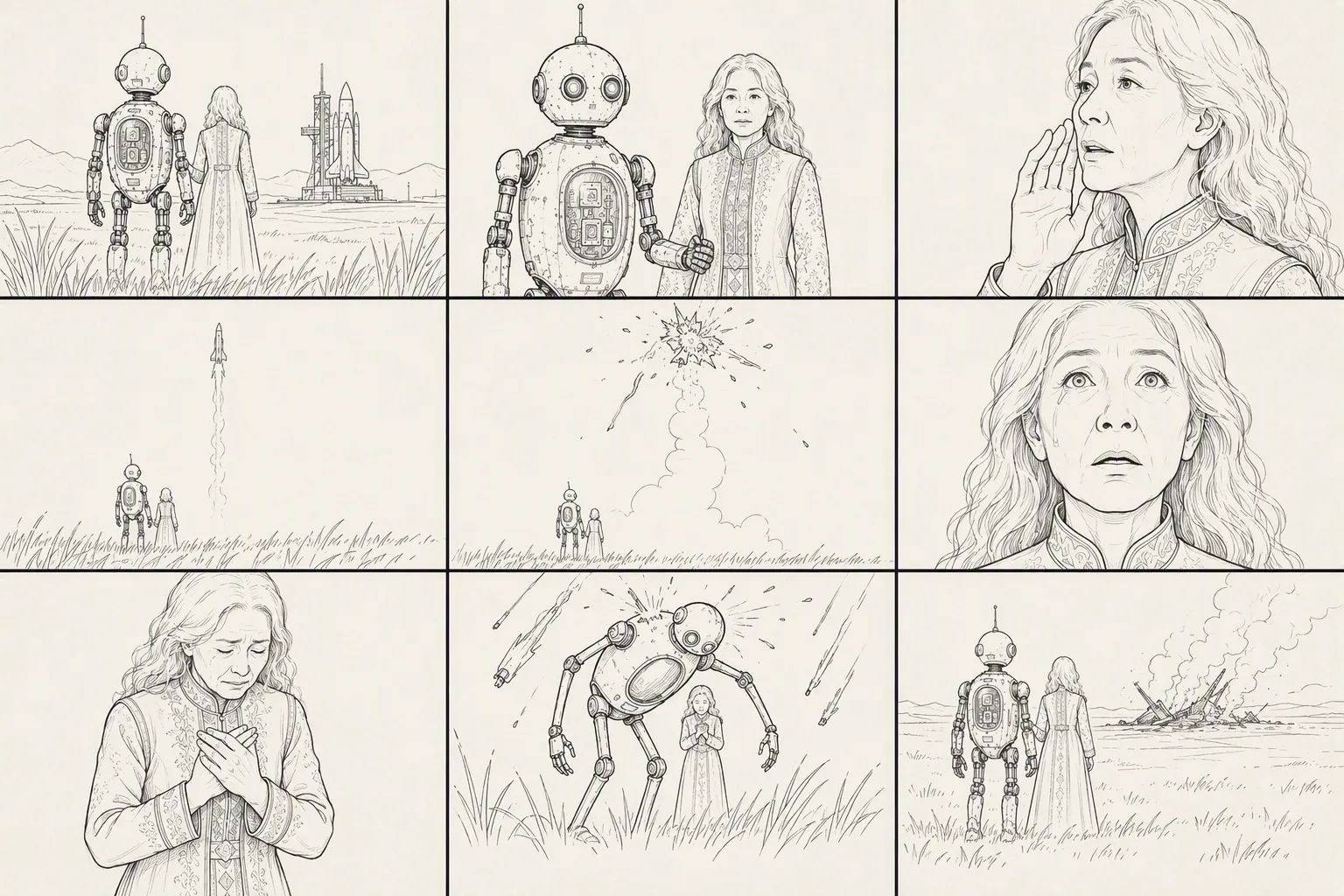
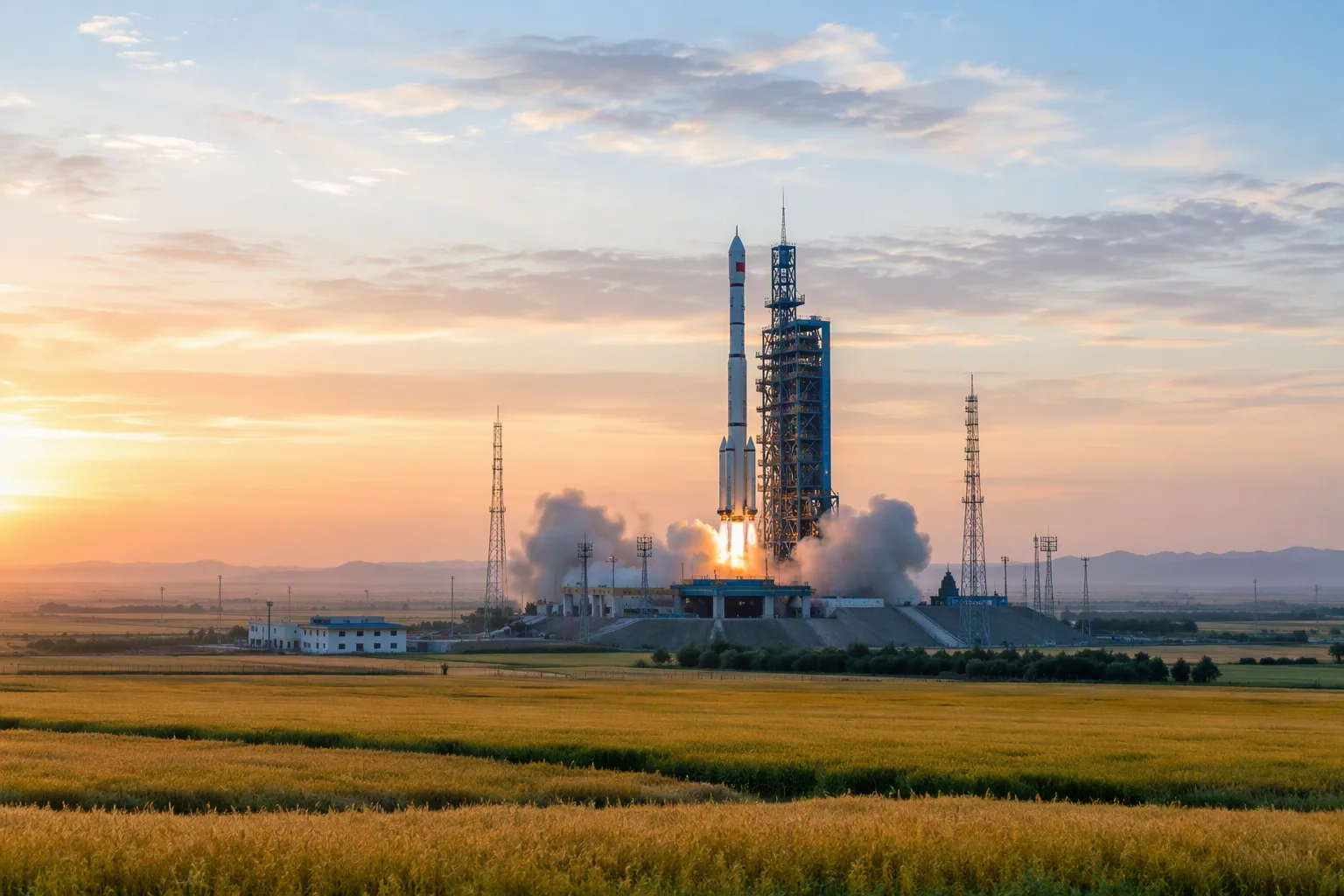
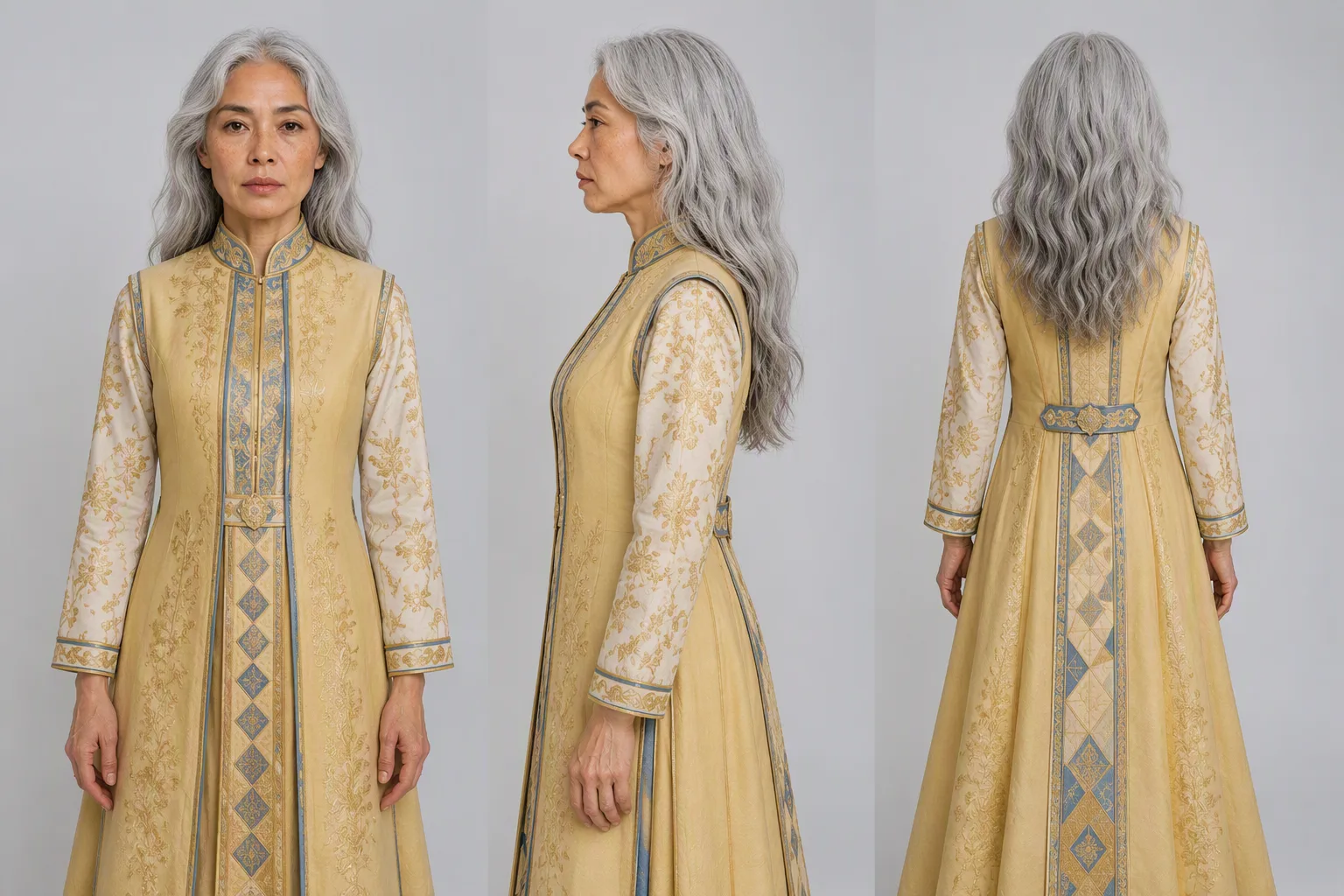
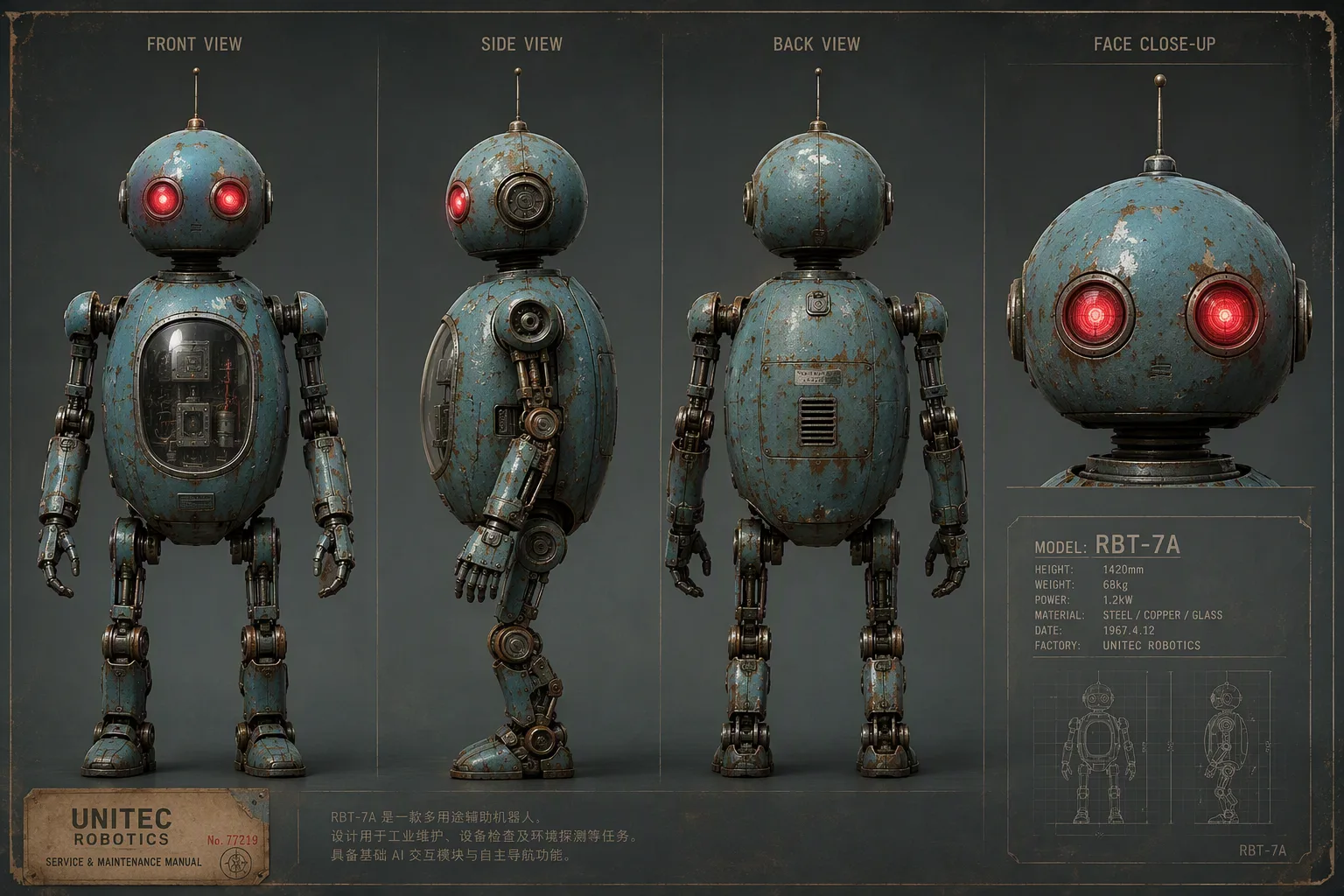
Image 1: Nine-panel storyboard reference, used for the overall shot structure, shot sizes, and camera-movement rhythm.
Image 2: Live-action reference of a rocket launch site on a dusk grassland, used as the benchmark for environmental composition, warm golden sunset light, cool twilight blue tones, and realistic color live-action texture.
Image 3: Subject 1 (guardian robot) character appearance reference.
Image 4: Subject 2 (elderly grandmother) character appearance reference.

[Subject settings]
Subject 1 (guardian robot): Refer to Image 3. A near-future weathered retro robot with an aged blue-green metal body, mottled rust, a domed head, two glowing red circular camera eyes, thin antennas, and slender articulated limbs. It is very tall, about twice the height of a human.
Subject 2 (elderly grandmother): Refer to Image 4. A frail elderly woman with silver hair tied into a low bun, deep wrinkles, wearing a bright golden floor-length dress with gold-and-blue embroidered details on the chest. Her expression is full of reluctance and sorrow. Her height only reaches the robot's chest.
Environment (dusk grassland launch site): Refer to Image 2. A near-future grassland at dusk, with the sky gradually shifting from warm gold to cool blue. On the distant horizon, a launch tower stands with a white rocket, steam rising around it. Knee-high wild grass sways in the wind across a vast, open landscape.

[Overall style]
Live-action color cinematic film, realistic photoreal texture, full-color visuals throughout. Color 35mm film look, fine realistic film grain, rich cinematic color grading, IMAX large-format feel. Handheld cinematography with breathing-like camera shake, shallow depth of field, wide aperture, continuous drifting foreground grass, sparks, and ash. Slight Dutch angle. Strong contrast between warm golden sunset light, cool twilight blue, and explosive warm orange. 16:9 horizontal frame. Near-future emotional disaster-film atmosphere: quiet, tragic, protective, and filled with reluctance.

[Strictly exclude]
Black-and-white, monochrome, grayscale, desaturated visuals; hand-drawn, sketch, line art, illustration, comics, animation; storyboard frames, rough sketches; tilt-shift miniature look, toy-like appearance, plastic CG, glossy overexposed CG.

[Shot list] (9 shots, approximately 30 seconds)
Shot 1 (0-3s): Extreme wide shot, ultra-low camera position close to the ground, looking upward, handheld camera slowly tilting downward. Refer to the grassland composition in Image 2. The dusk grassland feels vast and empty. Knee-high wild grass in the foreground sways out of focus, and warm golden lens flare sweeps across the frame.
Shot 2 (3-6s): Medium front shot with a handheld camera. The robot supports the elderly woman.
Shot 3 (6-10s): Facial close-up. The elderly woman looks reluctant to part. Dialogue (elderly woman): "Fly safe, my child. Come back to me."
Shot 4 (10-14s): Extreme wide shot tilting upward. The rocket rises with a thick white smoke trail. Dialogue (elderly woman): "There he goes... there he goes."
Shot 5 (14-18s): Extreme wide shot. The rocket explodes and breaks apart in midair. Dialogue (elderly woman): "No... no, no—"
Shot 6 (18-22s): Extreme facial close-up. The elderly woman's pupils contract and tears fall. Dialogue (elderly woman): "...he was almost there."
Shot 7 (22-25s): Close-up transitioning to a medium close-up. The elderly woman breaks down in tears. Dialogue (elderly woman): "Bring him back! Please—bring him back!"
Shot 8 (25-28s): Ultra-low-angle, nearly vertical upward shot. The robot embraces the elderly woman, forming a protective dome around her. Dialogue (robot): "Don't look up. I've got you."
Shot 9 (28-30s): Extreme wide rear shot. The two figures embrace tightly in silhouette. Dialogue (robot): "I'm still here. I'll stay... as long as you need."
Результат
Ключевые кадры → пиксель-арт ролик одним планом
Пример, где ключевые кадры отвечают и за графику, и за интерфейсные элементы. Шесть картинок подаются по порядку, а промпт связывает их в непрерывное движение без склеек.

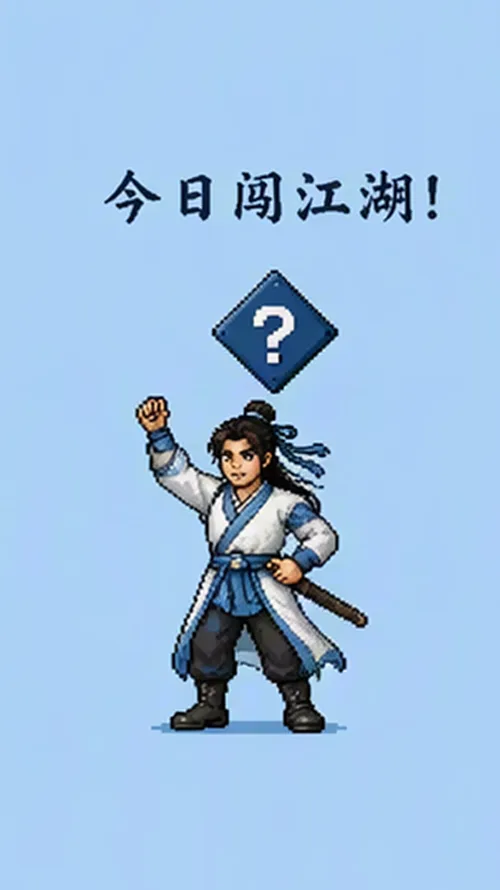
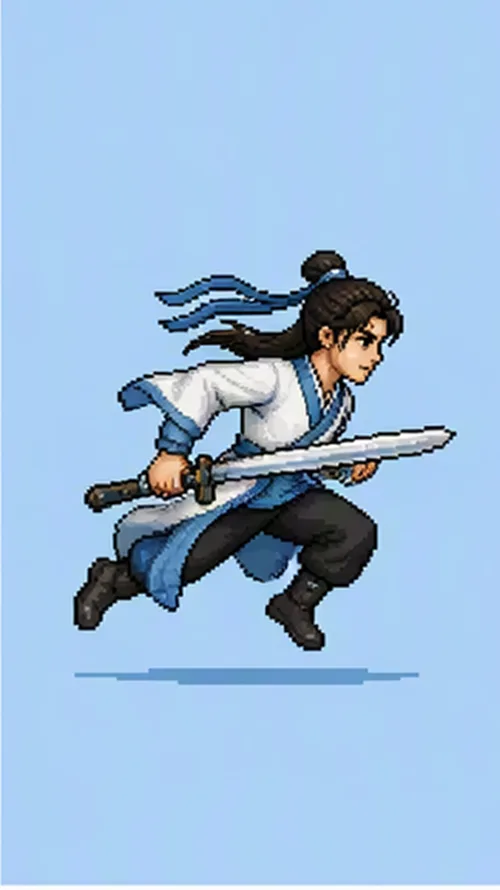
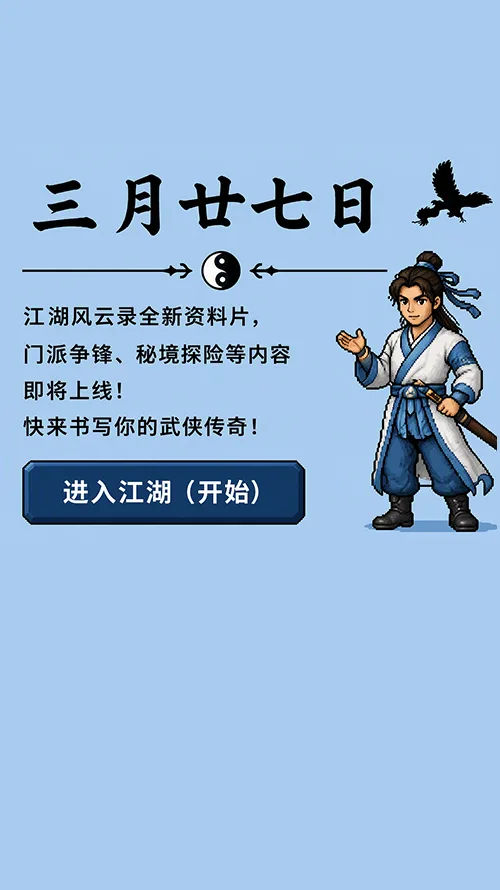
Create a one-shot vertical pixel-art wuxia-themed video based on @Image 1 to @Image 6. Use Chinese-style 8-bit wuxia background music. The entire video should use a unified light-blue background, consistent pixel-art style, and a clean, bright, transparent visual look.

Shot 1:
Hold on the ink-wash-style logo from @Image 1. The background is the unified light-blue color. Keep the frame still for about 1 second.

Shot 2:
After the text area from @Image 1 disappears, the pixel-art close-up face of the male wuxia character from @Image 2 slides in from the bottom of the frame. The character blinks and looks toward the camera, then quickly moves downward and exits the frame. After the character exits, the original logo area transforms into the blue pixel-art martial arts manual from @Image 3.

Shot 3:
Immediately transition to @Image 4. A small pixel-art wuxia character jumps forcefully upward from the bottom of the frame and hits the blue diamond-shaped question mark icon above. Bold dark-blue text pops out above the question mark icon. After landing, the character strikes the standing pose from @Image 4, then raises a hand to greet the viewer. Next, the character prepares to run, turns toward the right side of the frame, and runs to the right, with the running pose referencing @Image 5. The camera follows the character smoothly to the right, and the character jumps out of frame from the right side.

Shot 4:
The UI interface from @Image 6 slides into the frame from the right. The pixel-art wuxia character jumps in from the upper-right corner and lands at the lower-right side of the large date text. The character opens both arms in an enthusiastic presentation pose and freezes. The final frame holds on this composition.

Overall requirements:
Pixel-art wuxia visual style throughout, with a unified light-blue background tone. The camera movement should be continuous and smooth, presenting a one-shot flow with seamless position shifts and follow movement. Element transitions should feel natural, and character actions should connect smoothly. No stuttering, no flickering. Text and UI must remain clear and stable.
Результат
Редактирование по инструкции
Классическая правка: композиция, свет и ритм игры сохраняются, меняется только внешность и мимика героини. Формулировка «непрерывный один план, без склеек и мерцания» здесь не украшение, а рабочее ограничение.
Исходник
Preserve the composition, camera position, lighting, and performance rhythm of @Video 1. Only modify the female lead's appearance and expression: let her naturally age from her twenties to around sixty. The restraint in her eyes gradually softens, tears slide past the corners of her eyes, and the corners of her mouth slowly lift until she finally smiles through her tears. The entire video should be a continuous one-shot, with no jump cuts and no flickering. Her facial features should gradually age without drifting or changing identity.
Результат
Редактирование с референсами
Здесь заменяется сразу многое — обстановка и оба героя, — но хореография и ритм остаются от исходного ролика. Это удобный способ переснять готовую сцену в другом сеттинге.
Исходник
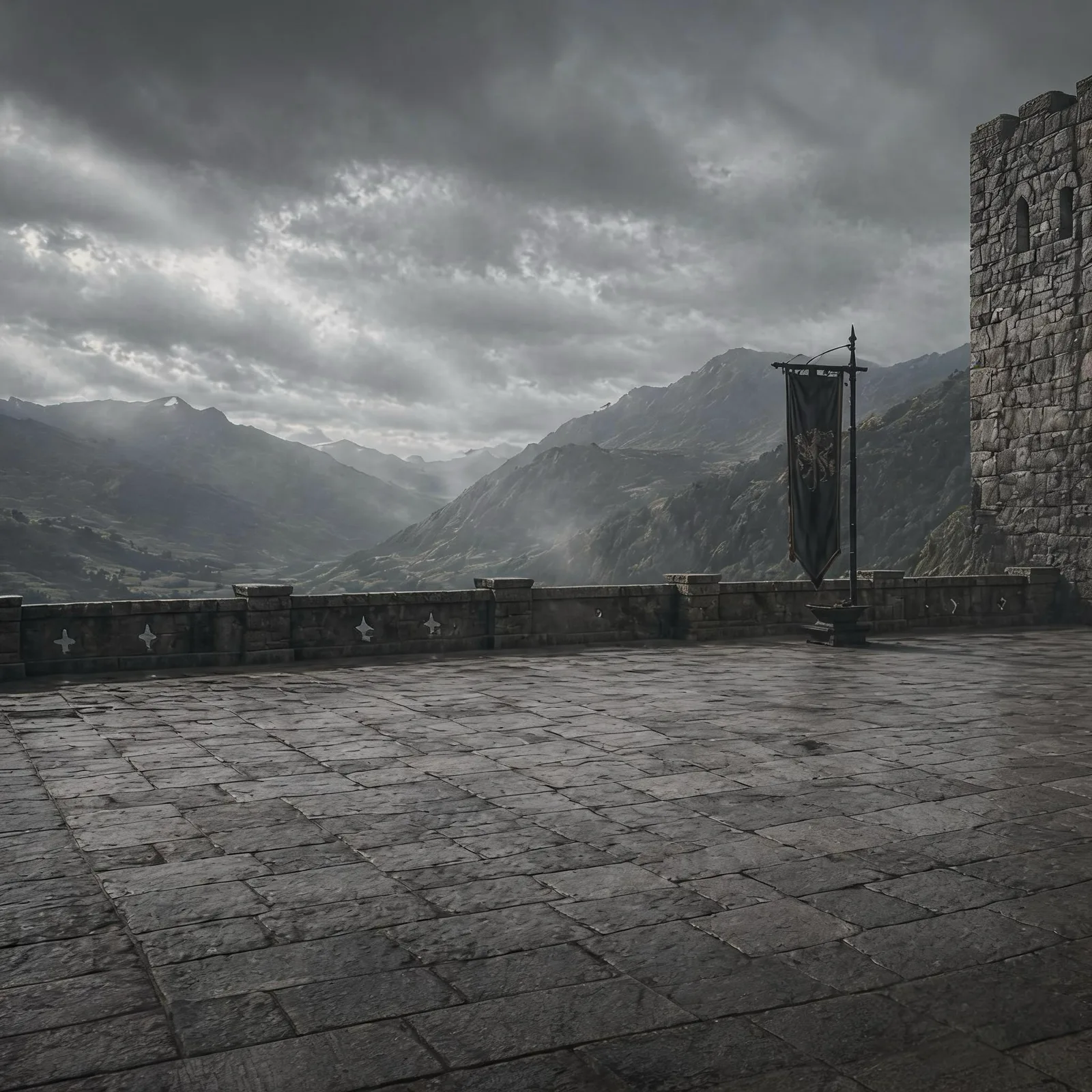
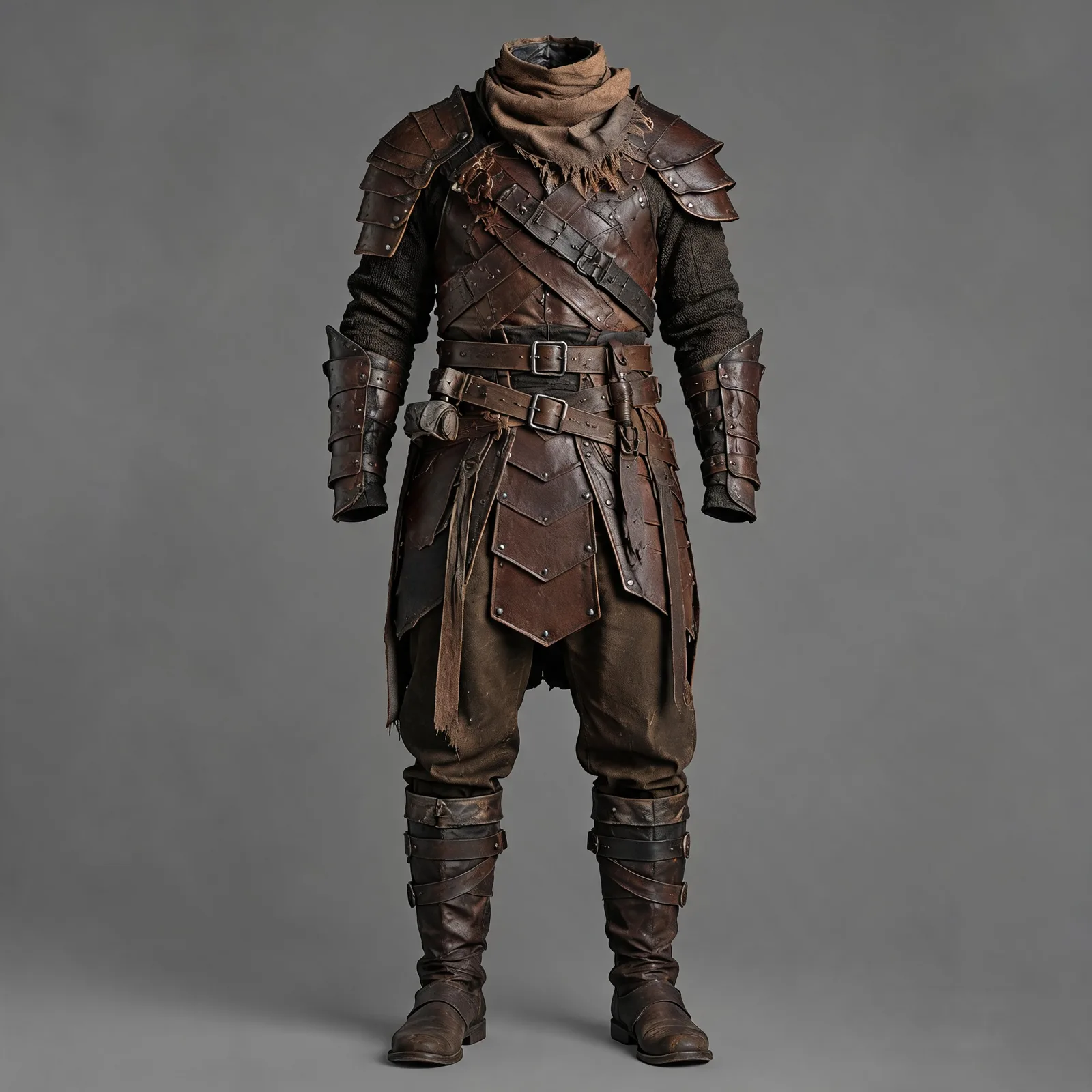
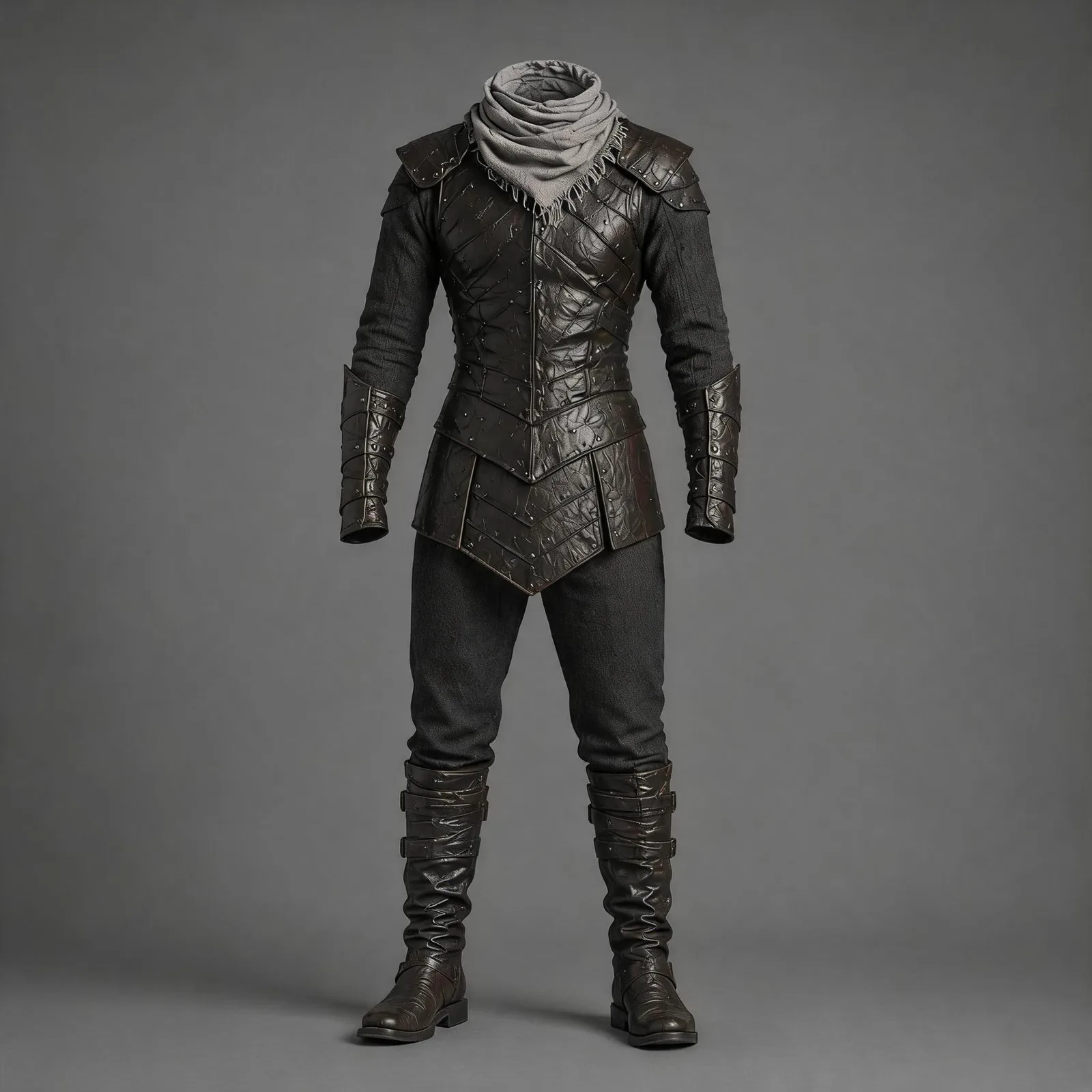
Replace the two-person fight in @Video 1 with an empty-handed probing exchange before a cold-weapon duel.

Replace the scene with a medieval stone castle platform, an ancient courtyard, an outer platform of a mountain fortress, or a simple stone-brick duel arena. The background should include castle walls, wind, fog, distant mountain ridges, and a flat stone ground. Refer to @Image 1 for the environment.

Replace the man in dark clothing in the video with @Image 2, and replace the man in light-colored clothing with @Image 3. Keep the original actions and rhythm unchanged.

AI effects should only enhance the environment and texture: wind-blown clothing, light fog, a small amount of dust at contact points, cool metallic reflections, subtle film grain, and an epic color palette. The overall style should be restrained, realistic, and evoke a classic hardcore duel atmosphere. Keep the background music synchronized with the action beats.
Результат
Перевод реплик с липсинком
Отдельный вид правки — звуковой. Модель переозвучивает диалог на другом языке и подстраивает артикуляцию, не трогая изображение.
Исходник
Translate the spoken dialogue in the video into Chinese, with no subtitles. Precisely adjust the lip movements to match the translated speech, while keeping everything else unchanged.
Результат
Продление видео
Продление дописывает сцену вперёд или назад. Громкость может немного отличаться от исходной; если продлевать ролик, сгенерированный самой Seedance 2.5, расхождение меньше и склейка получается чище. Для лучшей непрерывности используйте mov.
Исходник
Extend @Video 1 by 5 seconds. A bee flies in and lands on the flower. Then, in a macro close-up, its legs and abdomen are covered with golden pollen particles. The bee flaps its wings and takes off, and the camera follows it as it flies toward another flower of the same species. In slow motion, pollen shakes loose from the bee's fine hairs and falls precisely into the flower's stamen, magnifying the moment of pollination.

Select MOV as the output format.
Сгенерированное продолжение
Склейка целиком — стык приходится примерно на 15-ю секунду, шва не видно
Видео в один клик из набора фото
Сценарий для тех, у кого есть материал, но нет времени на монтаж: модель сама выбирает порядок кадров, добавляет движение, переходы и звук.
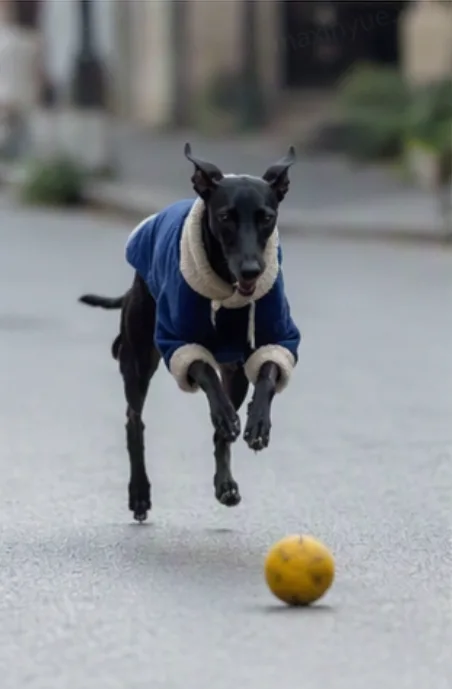
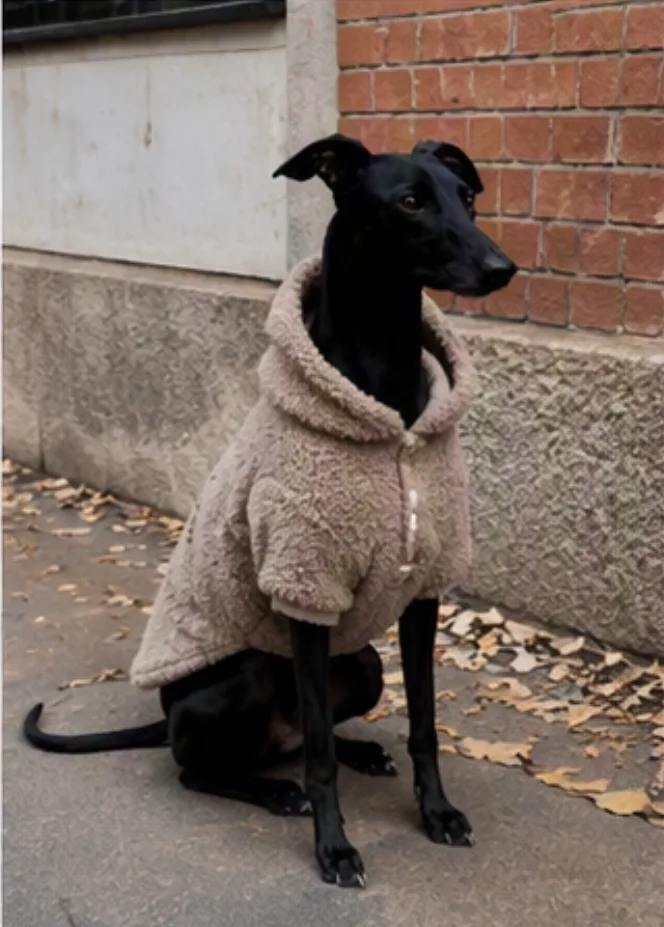
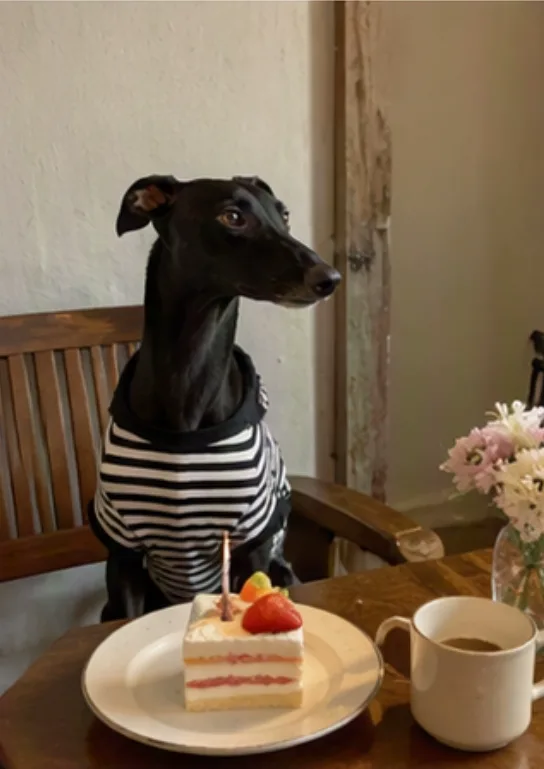
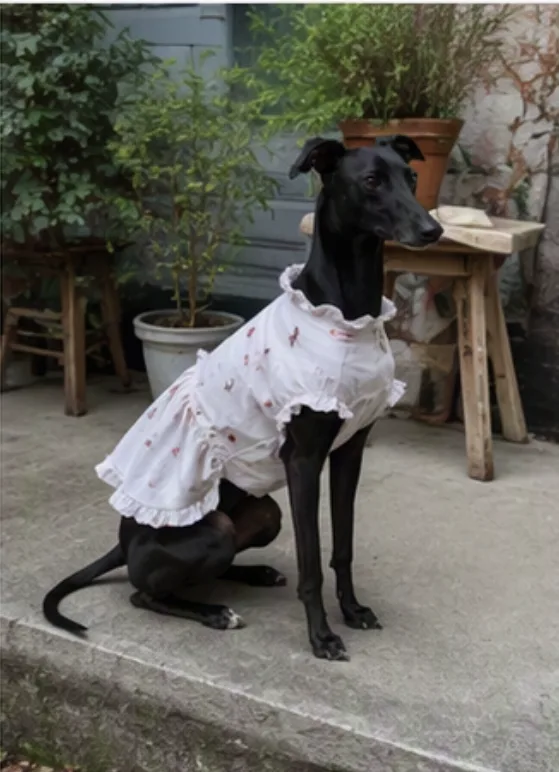
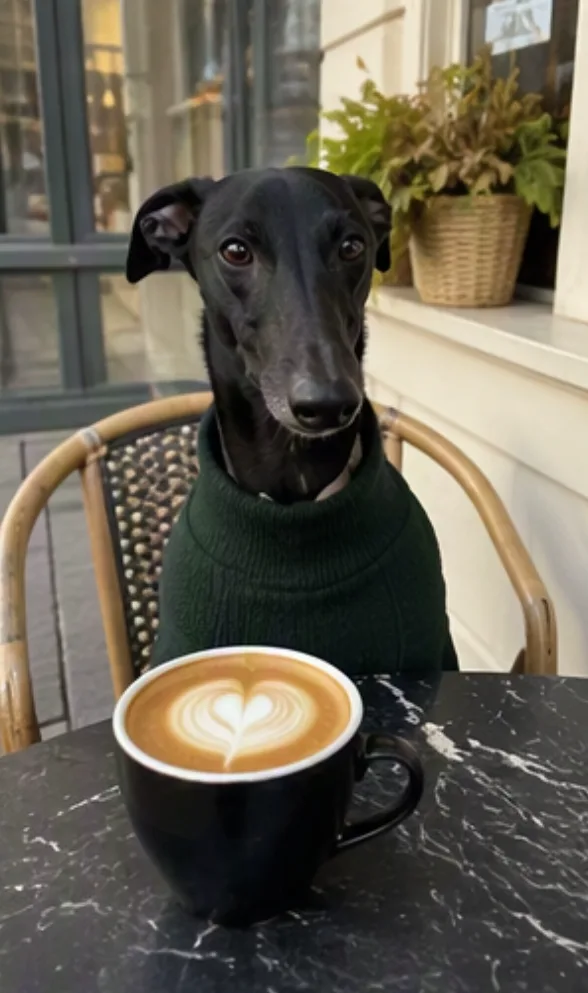
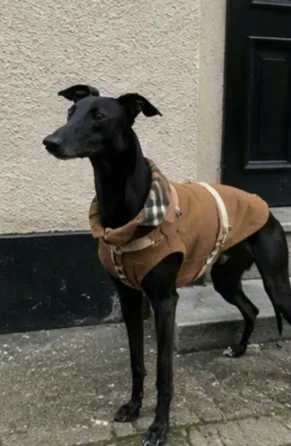
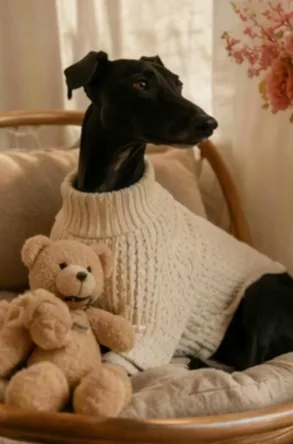
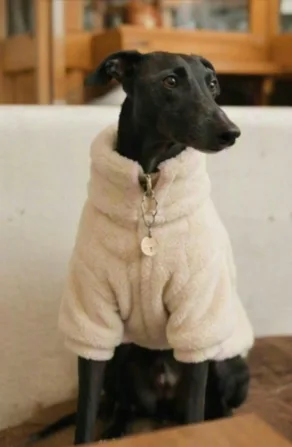
Turn all images into a one-click video. The image order can be freely arranged. Generate a coffee shop vlog in a hand-drawn animated doodle cutout style, documenting the fun daily moments of a puppy wearing different cute outfits and taking photos at the coffee shop. Generate trendy, internet-style playful audio or BGM.

The images may move slightly, creating a live-photo effect, but do not alter the original images. Keep the visuals highly consistent with the original images.
Результат
Бесшовный переход между двумя роликами
Модель получает два видео и дорисовывает недостающий кусок между ними. Сами исходники остаются нетронутыми — меняется только вставка.
Видео 1
Видео 2
Seamlessly connect [Video 1] and [Video 2]. At the end of [Video 1], the camera should quickly fly upward to the top, rapidly turn back, and then dive vertically downward, creating a natural seamless transition into [Video 2]. During the transition, the mahjong tiles gradually transform into high-rise buildings, and the entire scene changes accordingly. Do not alter the two uploaded videos themselves.
Результат
Как запустить Seedance 2.5 в Smartluvon
Модель доступна в видеостудии Smartluvon — регистрироваться на BytePlus и разбираться с параметрами API не нужно. В интерфейсе шесть режимов, которые соответствуют разобранным выше сценариям:
Текст — генерация с нуля по промпту.
1 кадр и 2 кадра — видео из первого кадра или из пары «первый и последний».
Референсы — до 30 картинок, 10 видео и 10 аудио в одном запросе.
Продлить — продолжение загруженного ролика.
Редактор — правка визуала и звука в готовом видео.
Длительность — от 4 до 30 секунд, разрешение 480p или 720p, соотношение сторон от 21:9 до 9:16 плюс режим «Авто». В режимах редактирования и продления формат подставляется автоматически: это требование самой модели, и мы не даём выставить значение, из-за которого генерация упадёт уже после очереди. Английские служебные префиксы, без которых модель не опознаёт задачу редактирования, тоже подставляются на нашей стороне — писать их руками не нужно.
Коротко
Сначала определите тип задачи: редактирование, кадры и продление фиксируют формат ролика по входному материалу, референсные сценарии — нет.
Привязывайте материалы явно и по номерам загрузки, а не подписями внутри картинок.
Пишите промпт четырьмя блоками: привязка ассетов, одно предложение-саммари, сценарий по таймкодам, общие примечания на весь ролик.
Таймкоды считайте целыми секундами и следите за непрерывностью интервалов.
Отрицания работают только для субтитров и звука:
no subtitles,no BGM.Нужна точность — ключевые кадры; нужна свобода модели — раскадровка.
Лимиты — это потолок, а не рекомендация: 1-5 субъектов, 5-10 секунд референса и до 15 кадров раскадровки работают заметно стабильнее.